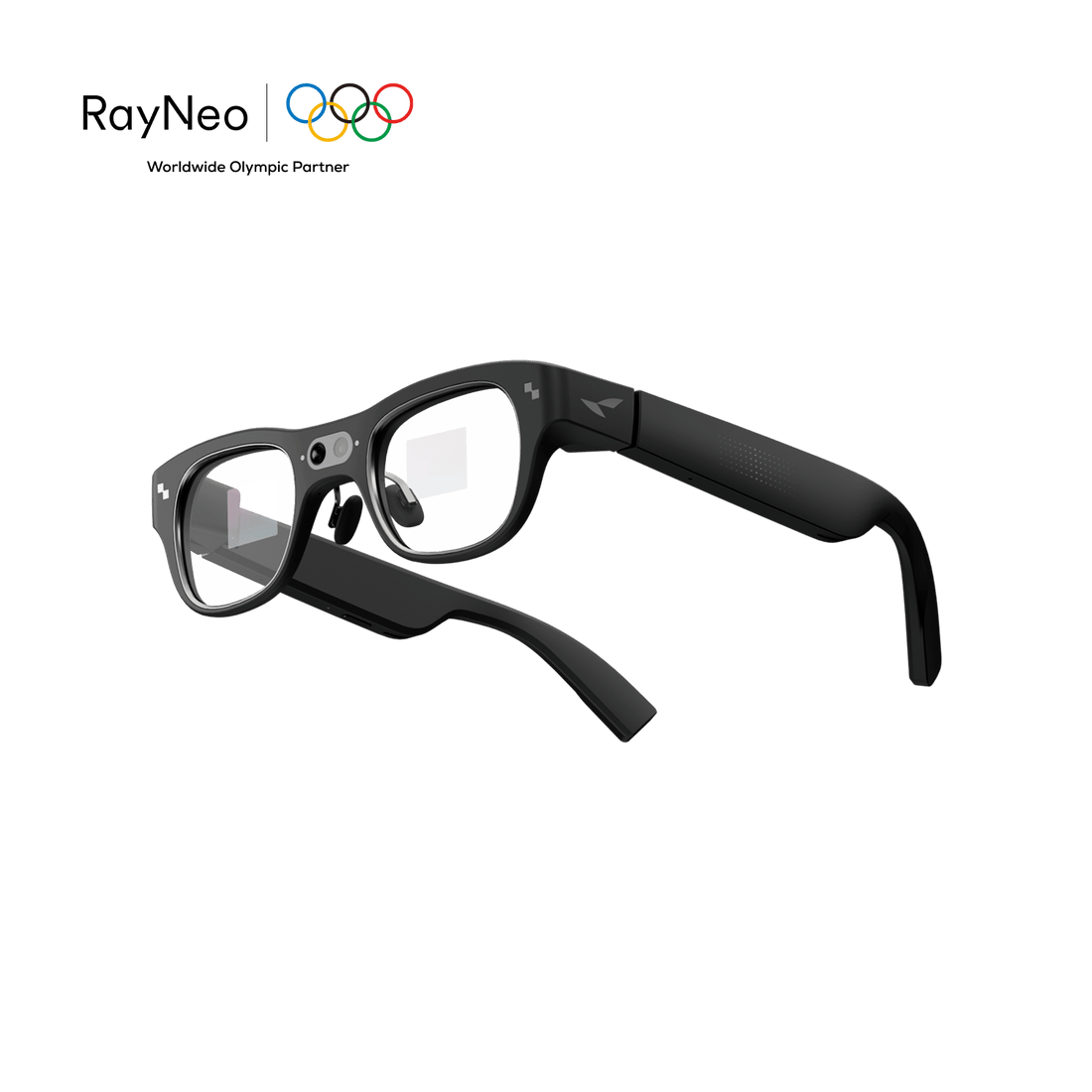
From $254.15

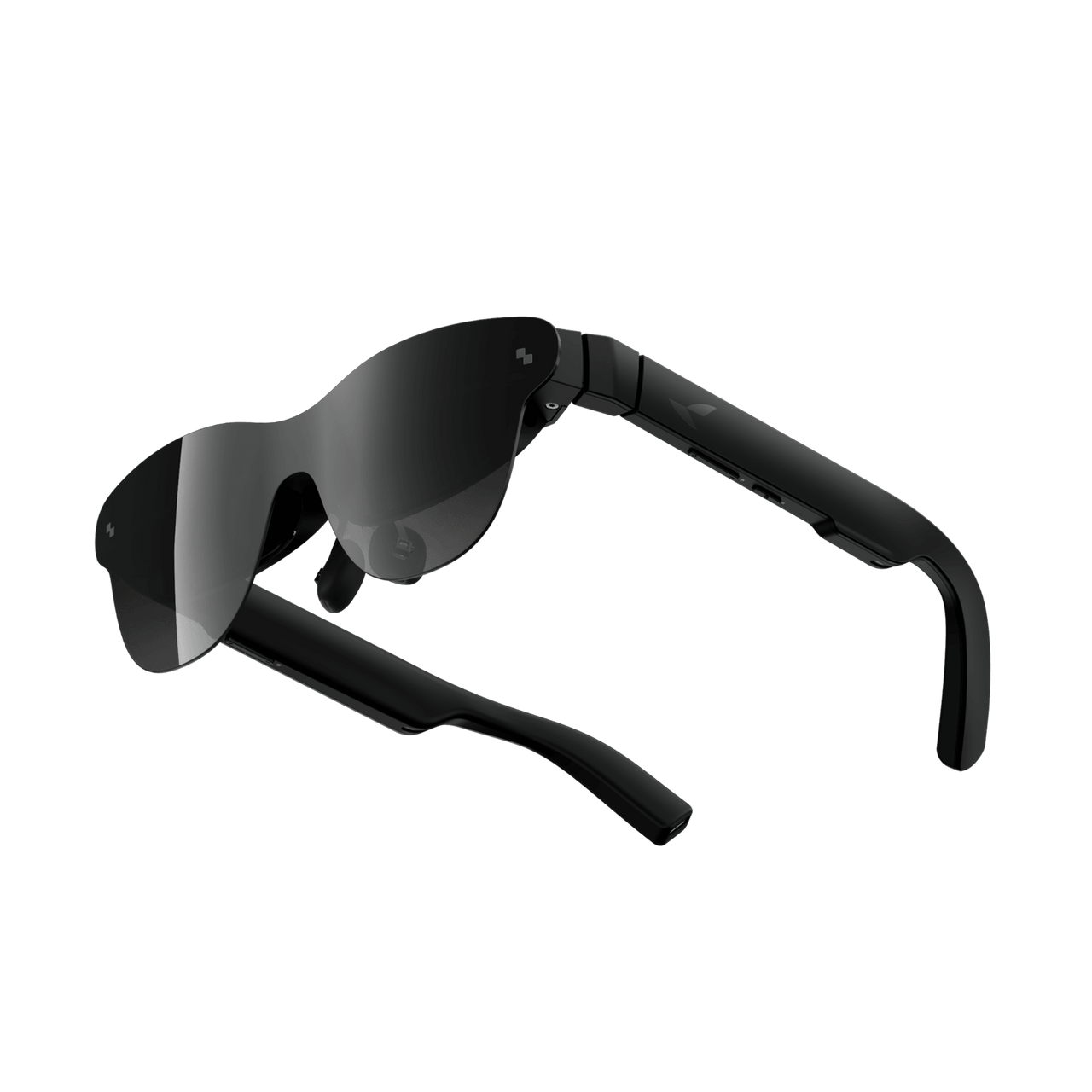
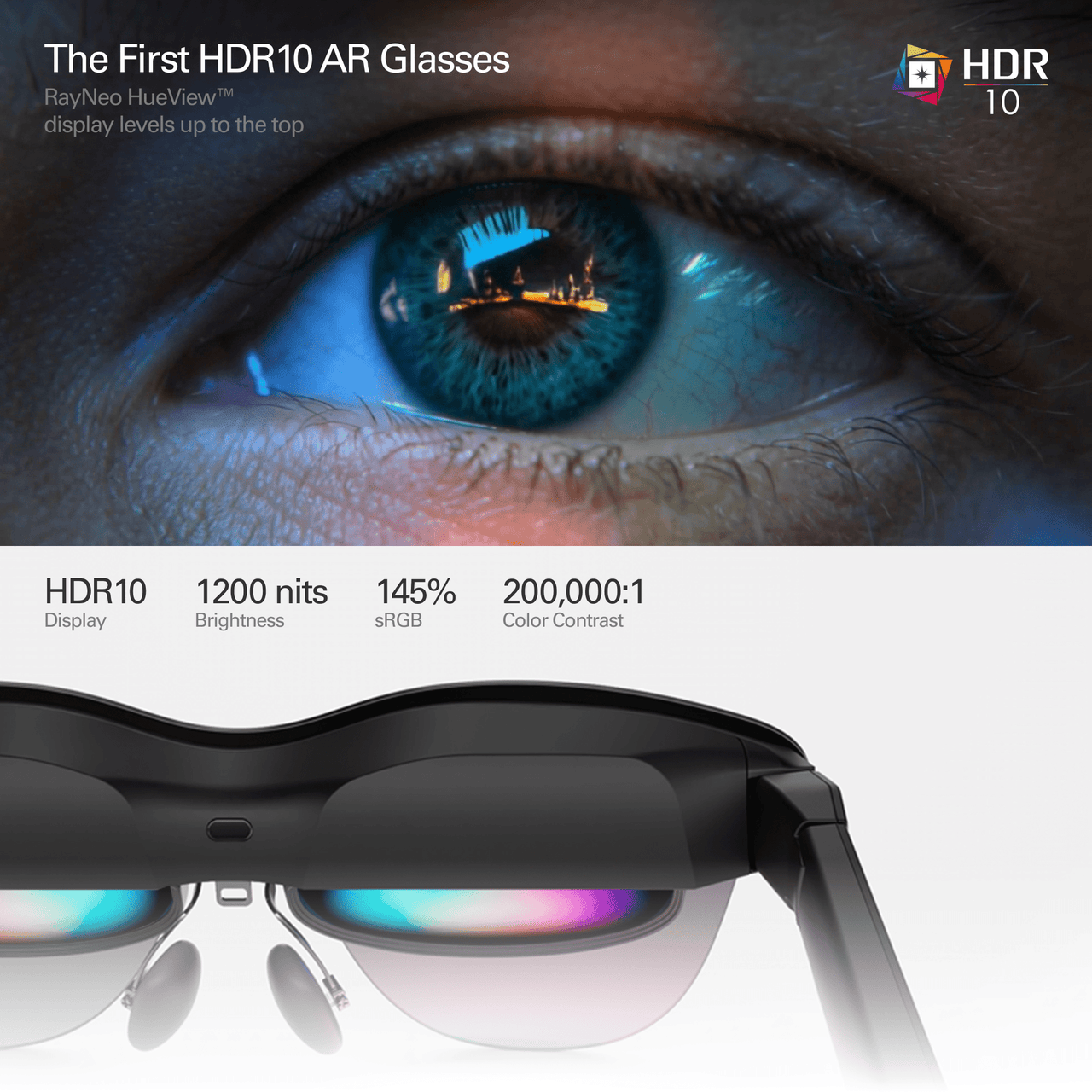
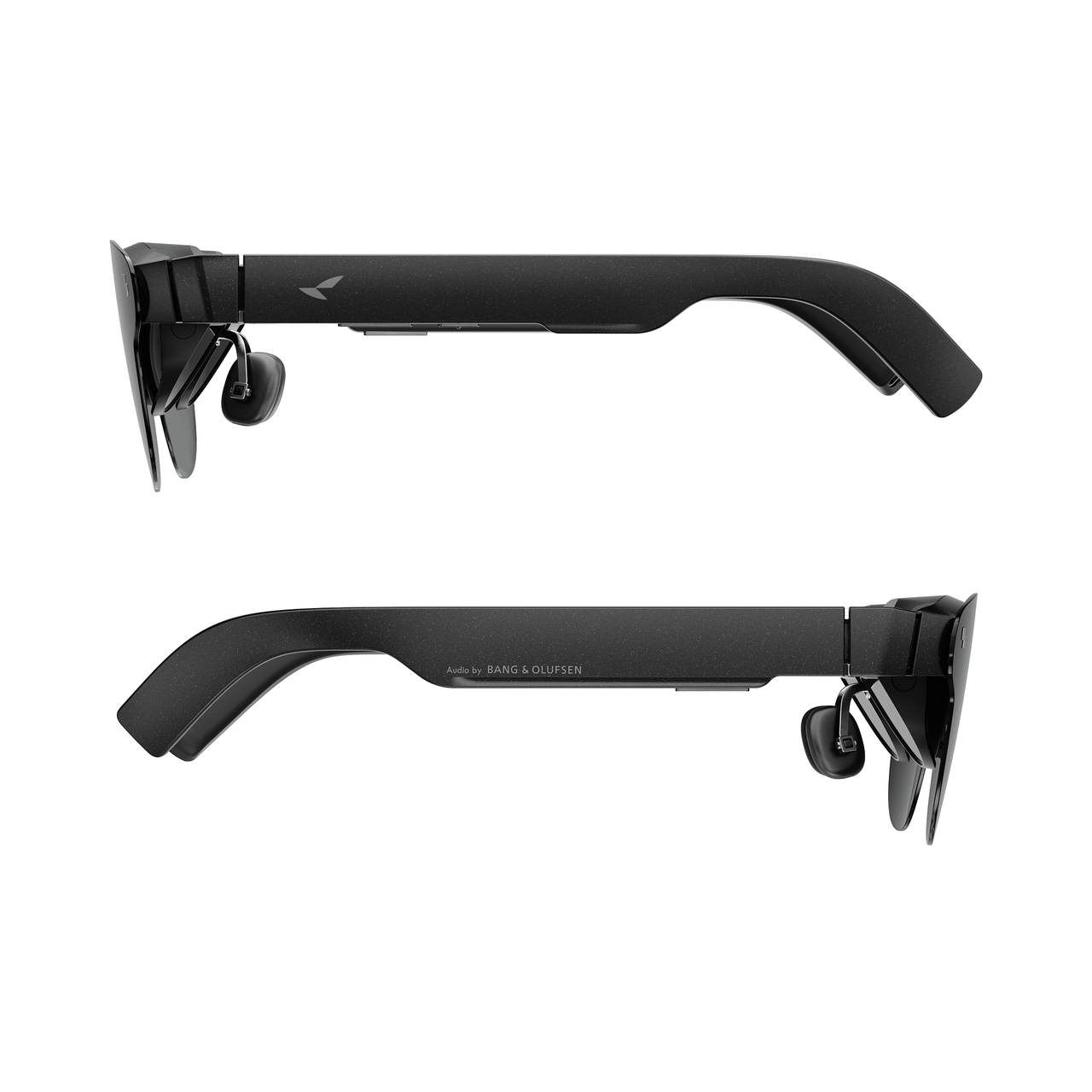
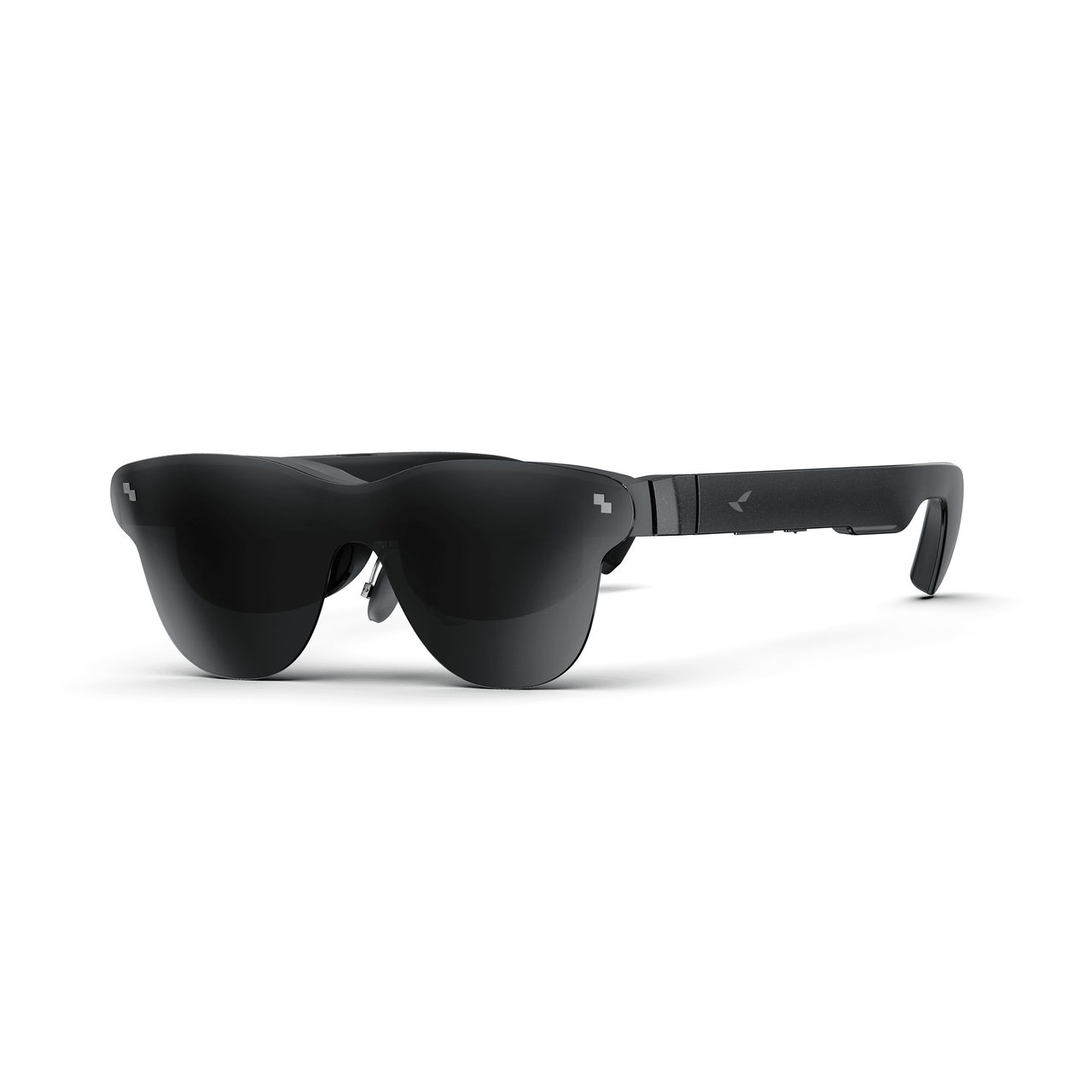
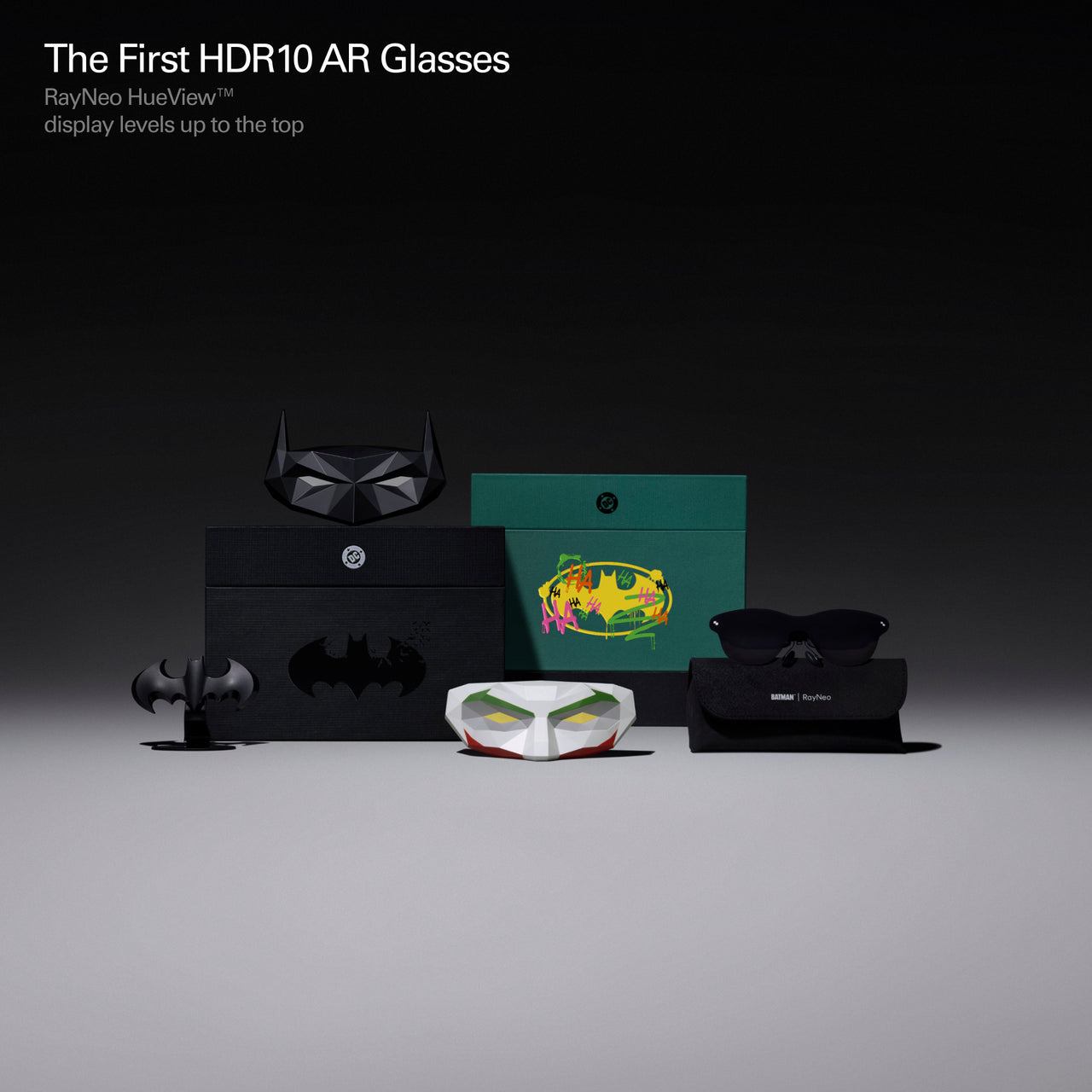
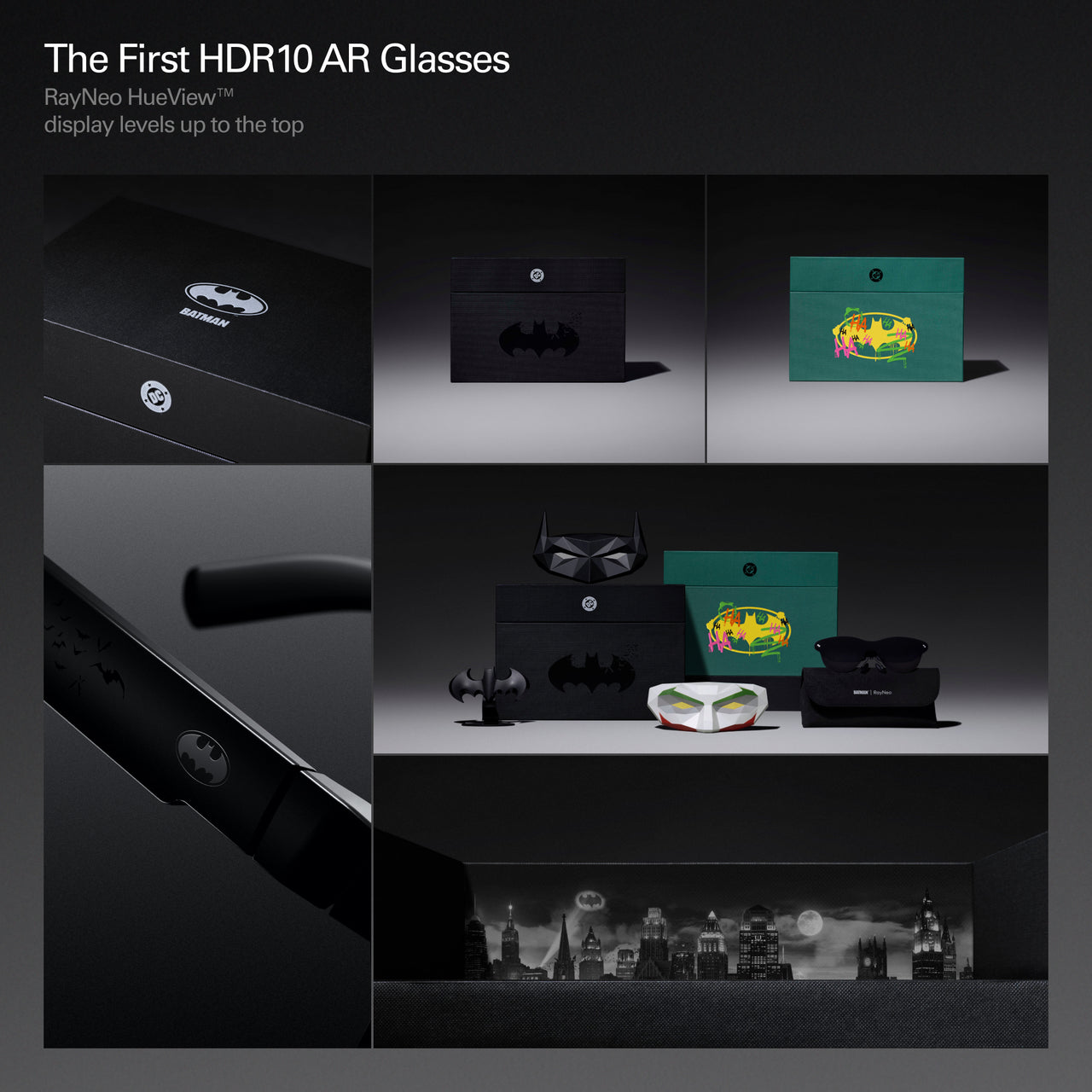
World's First HDR 10 Display in AR Glasses
End of Summer Sale !
Ending In:
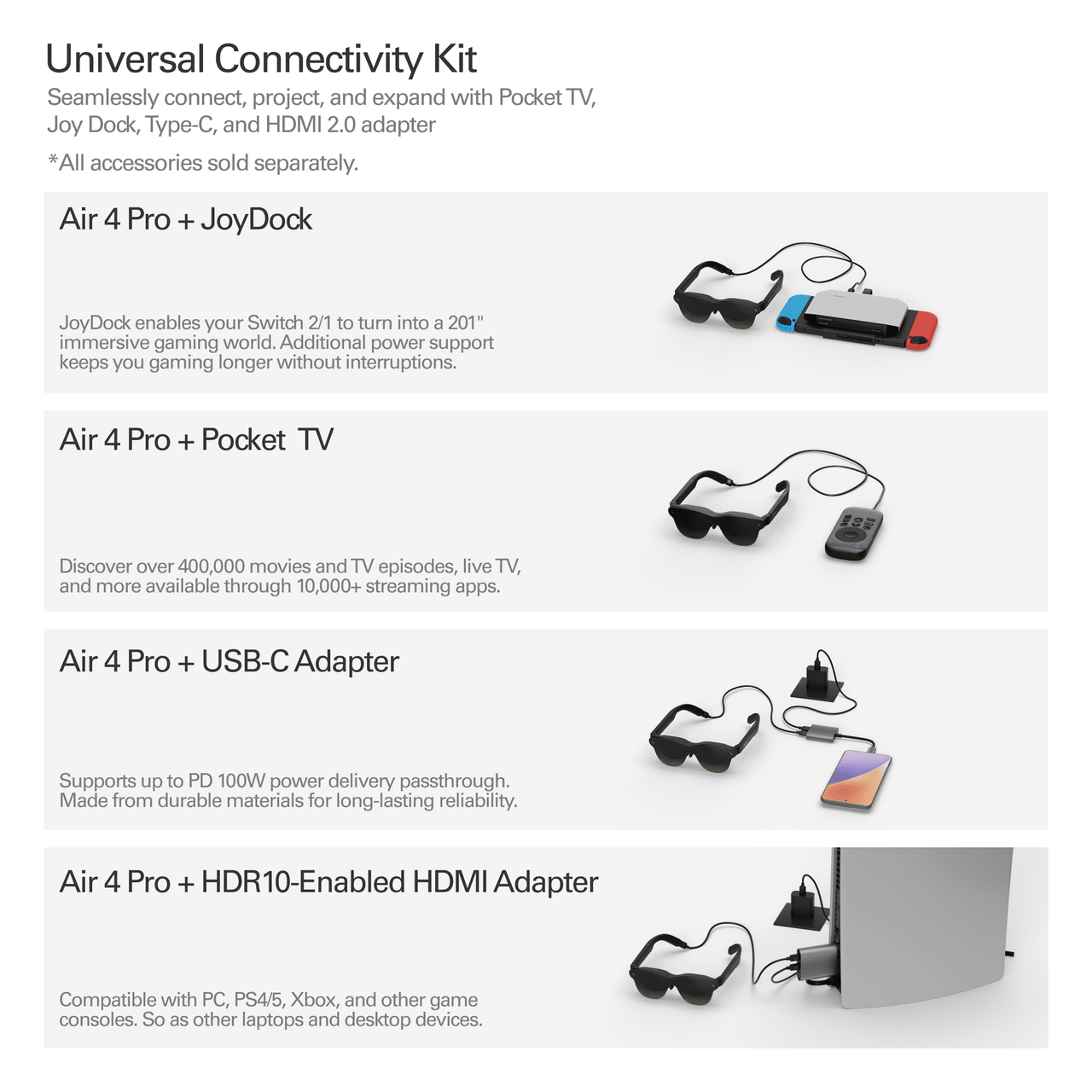
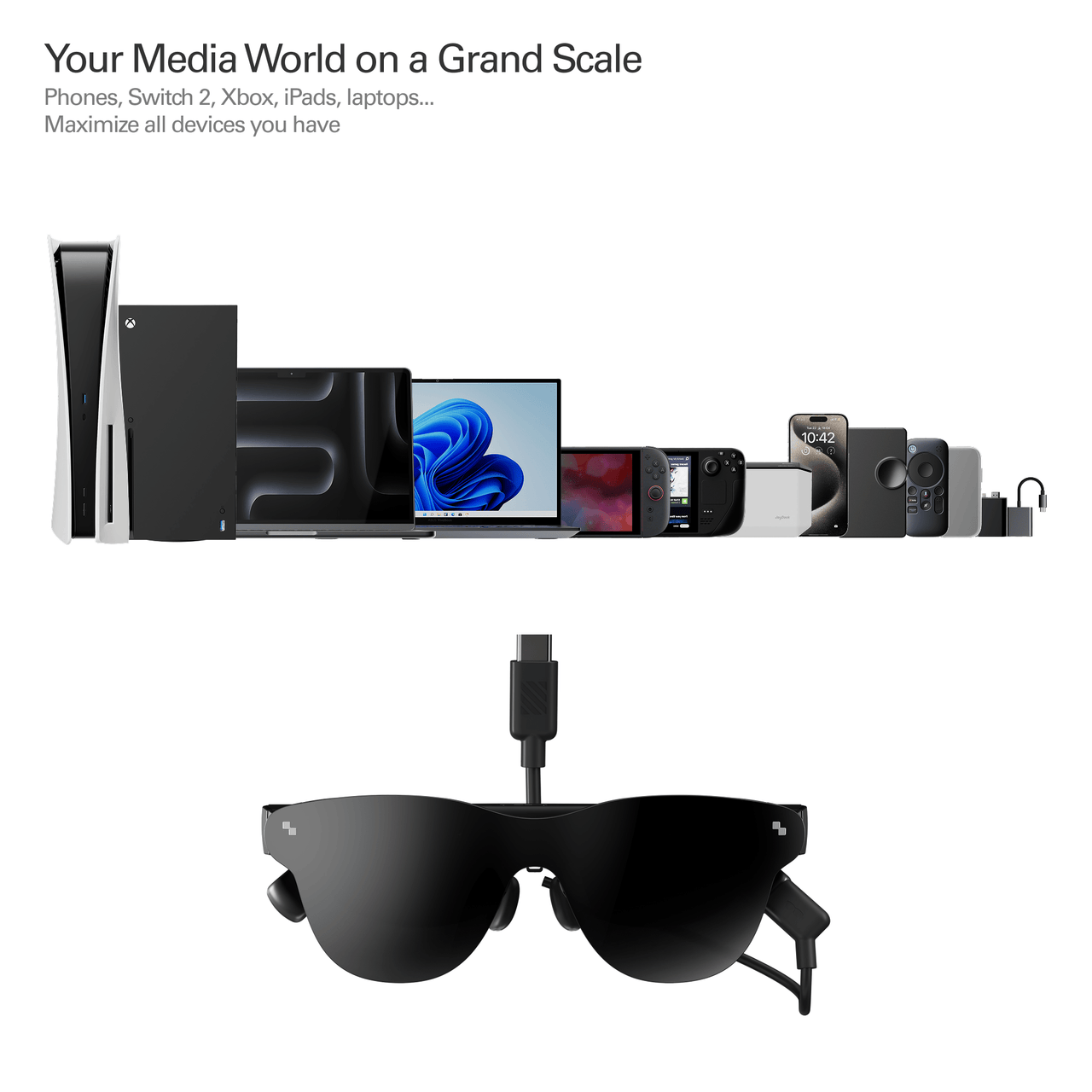
USB-C & HDMI adapter support; compatible with iPhone, Android, PC, Switch, and PS5.
Experience 10B+ colors, surpassing standard displays. Enjoy deep contrast on a 201" HueView™ 2.0 screen.
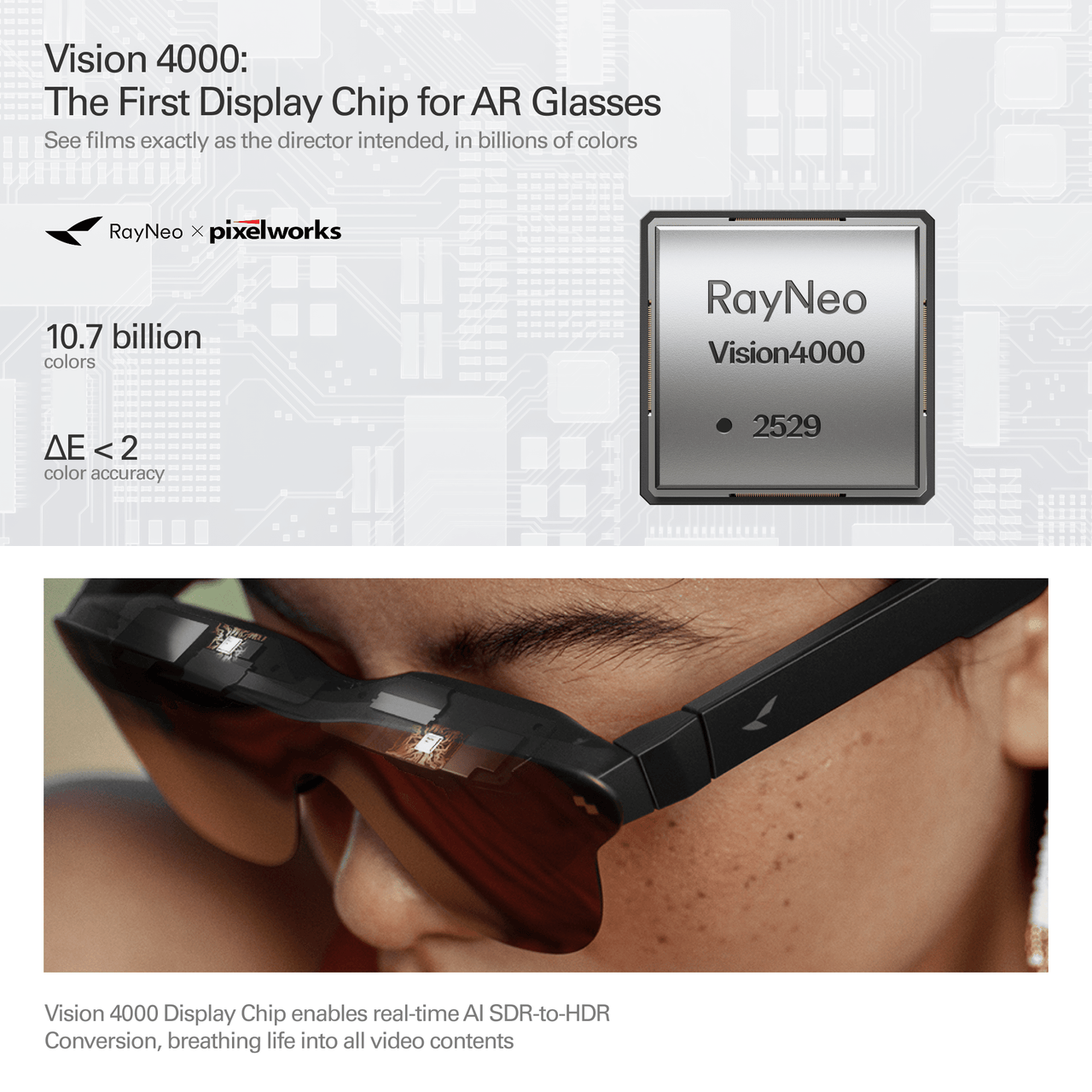
Real-time AI SDR-to-HDR upscaling for smooth visuals in movies, gaming, & TikTok.
Turns rooms into 3D theaters. Supports native 3D & AI 2D-to-3D conversion rivaling IMAX.
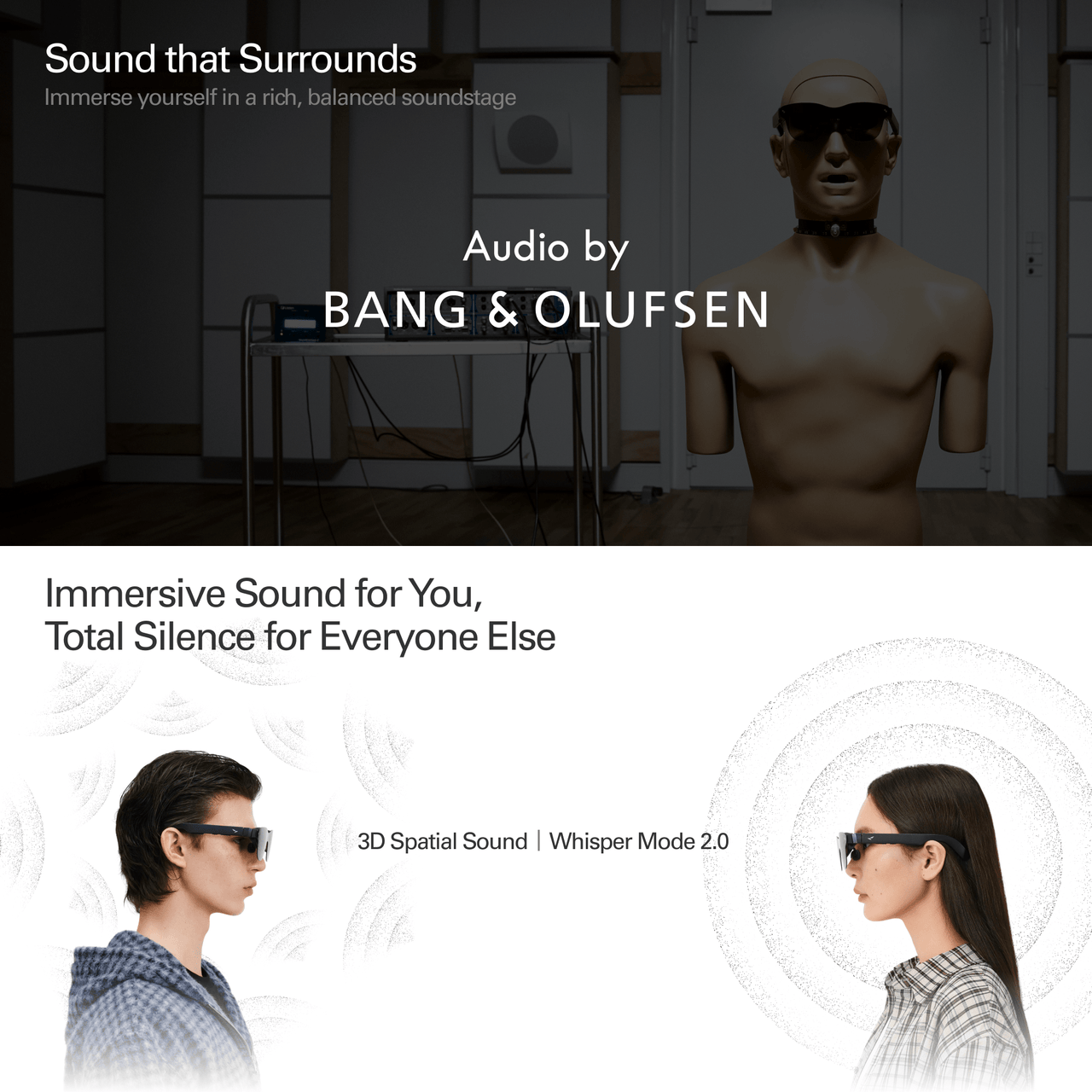
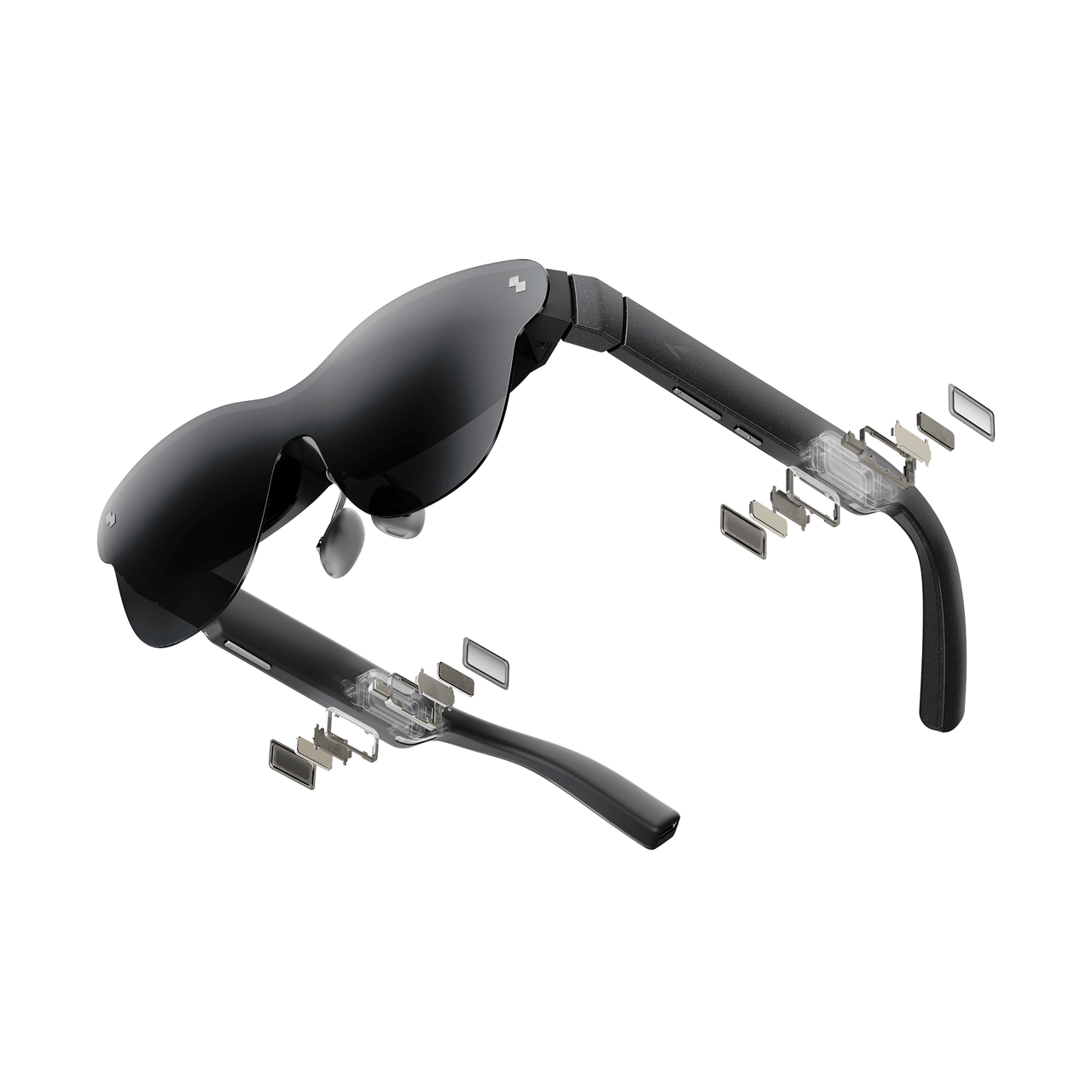
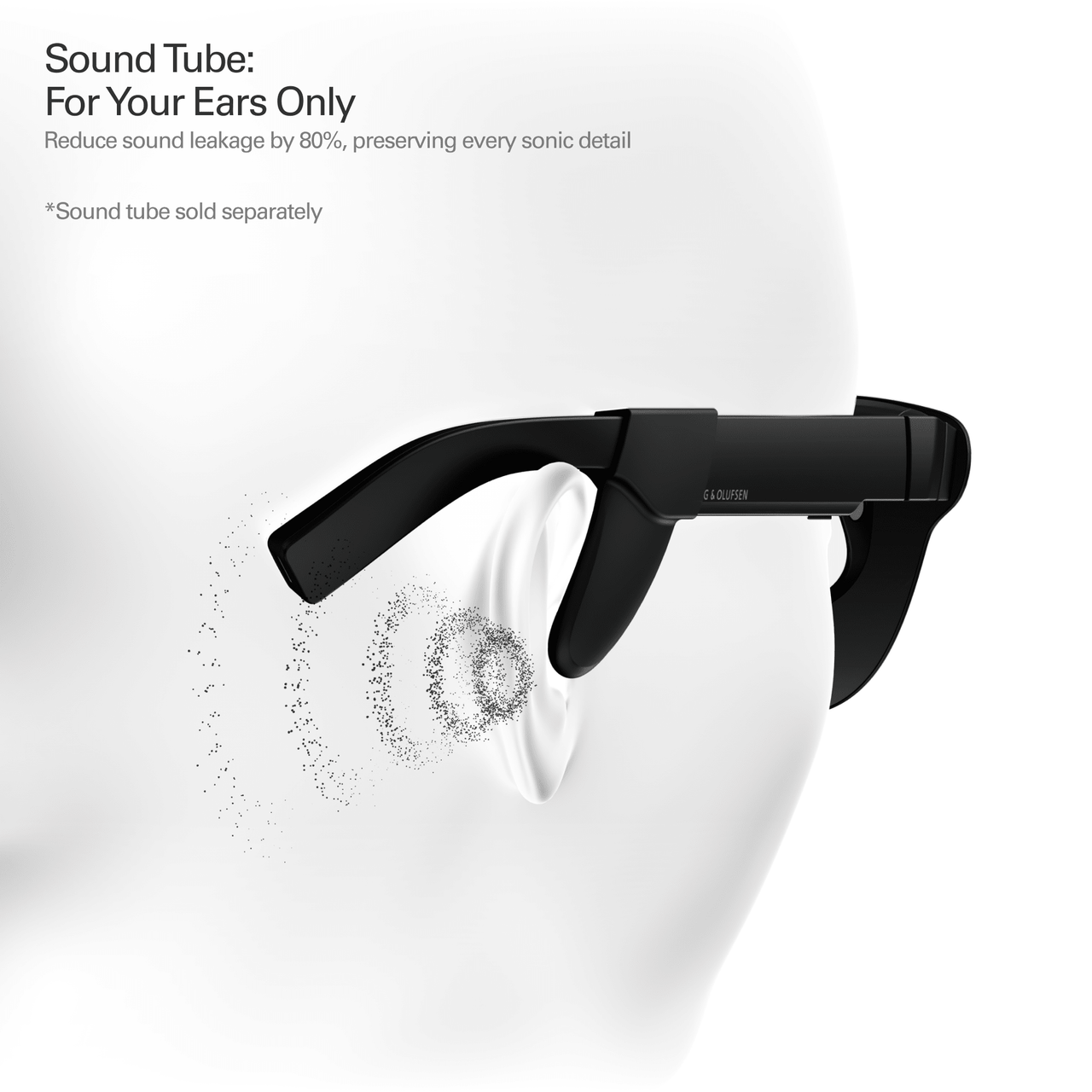
Immersive 360° sound via four speakers. Enjoy surround sound or private whisper mode. *Sound Tube sold separately for +15dB volume.
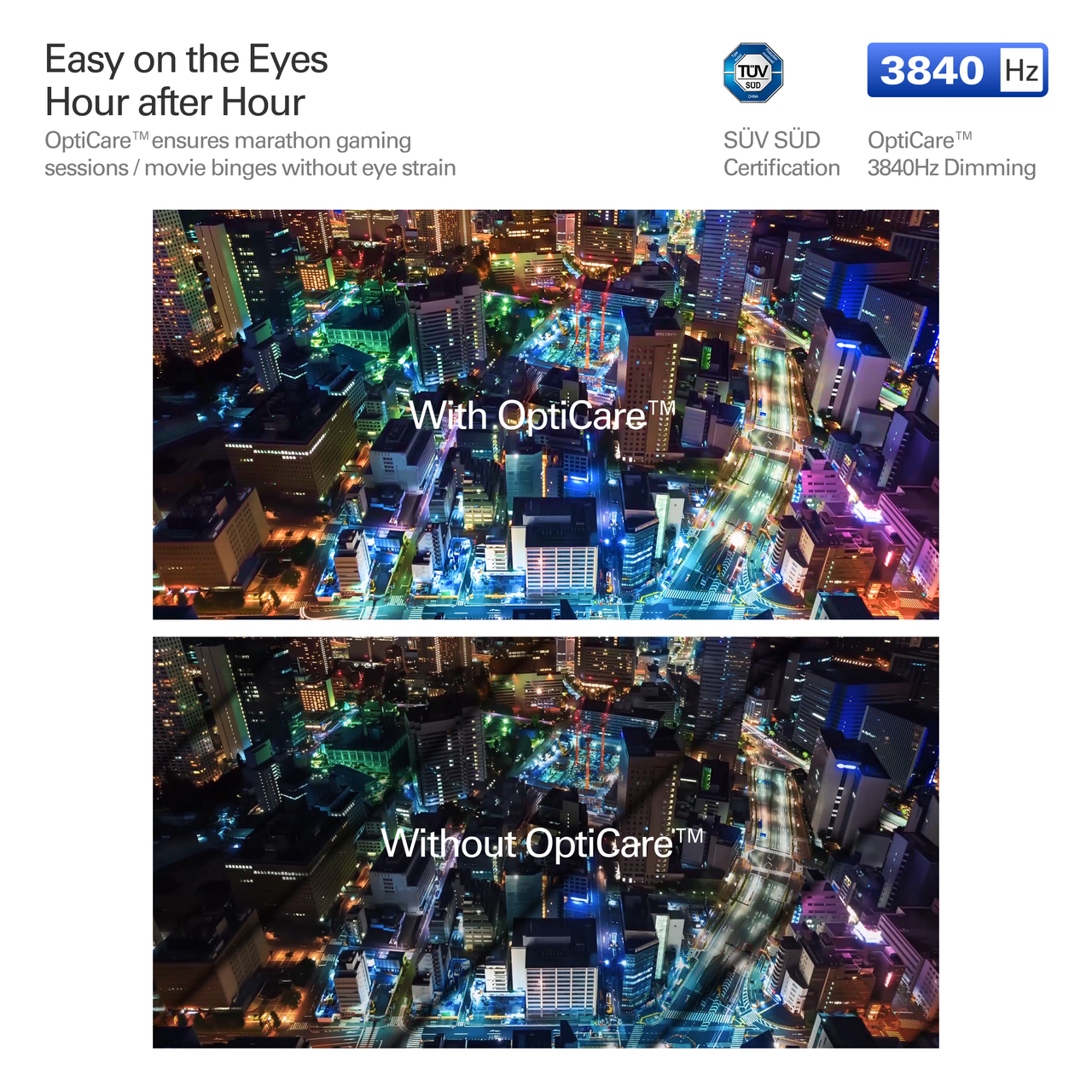
3840Hz dimming, low blue light & flicker-free for reduced eye strain.
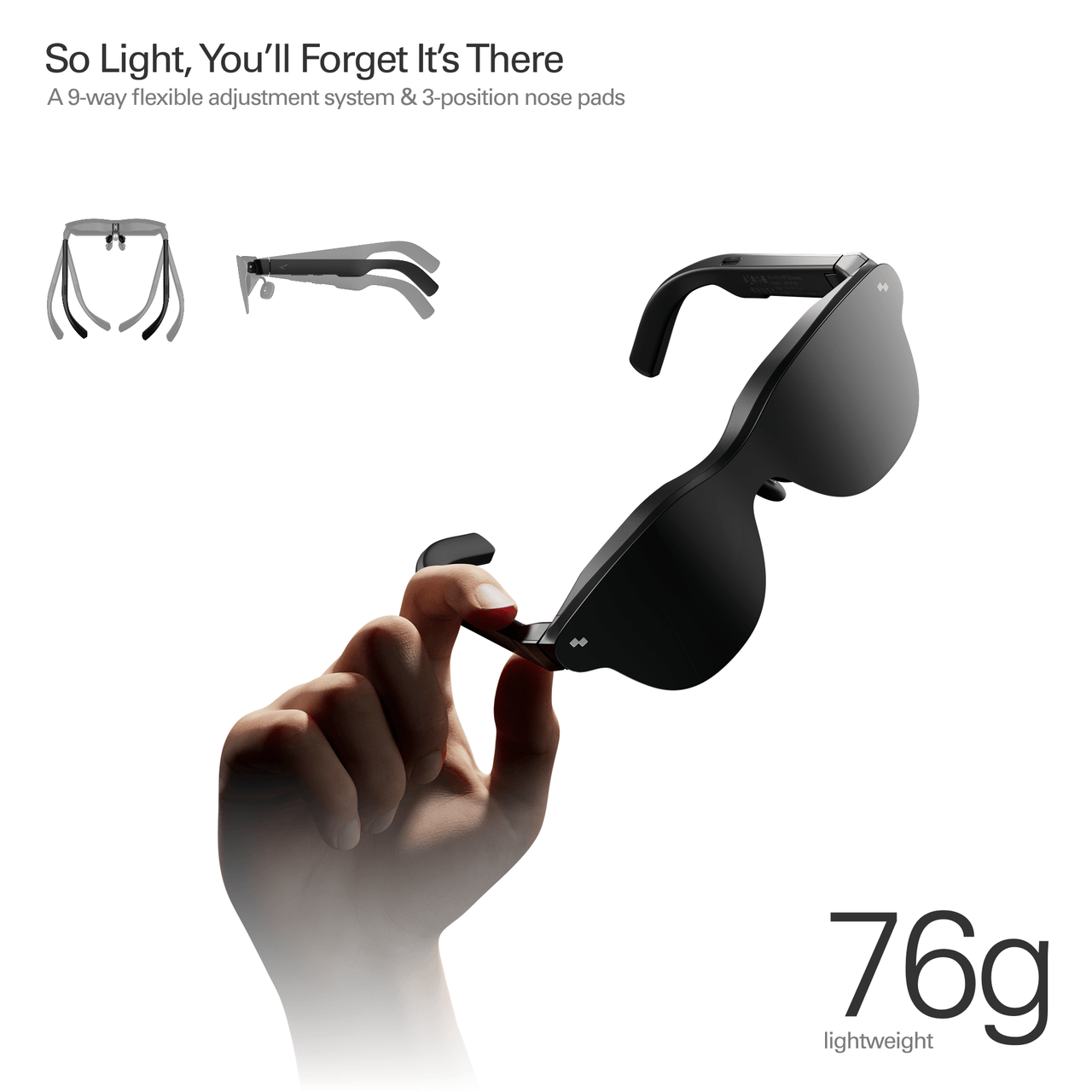
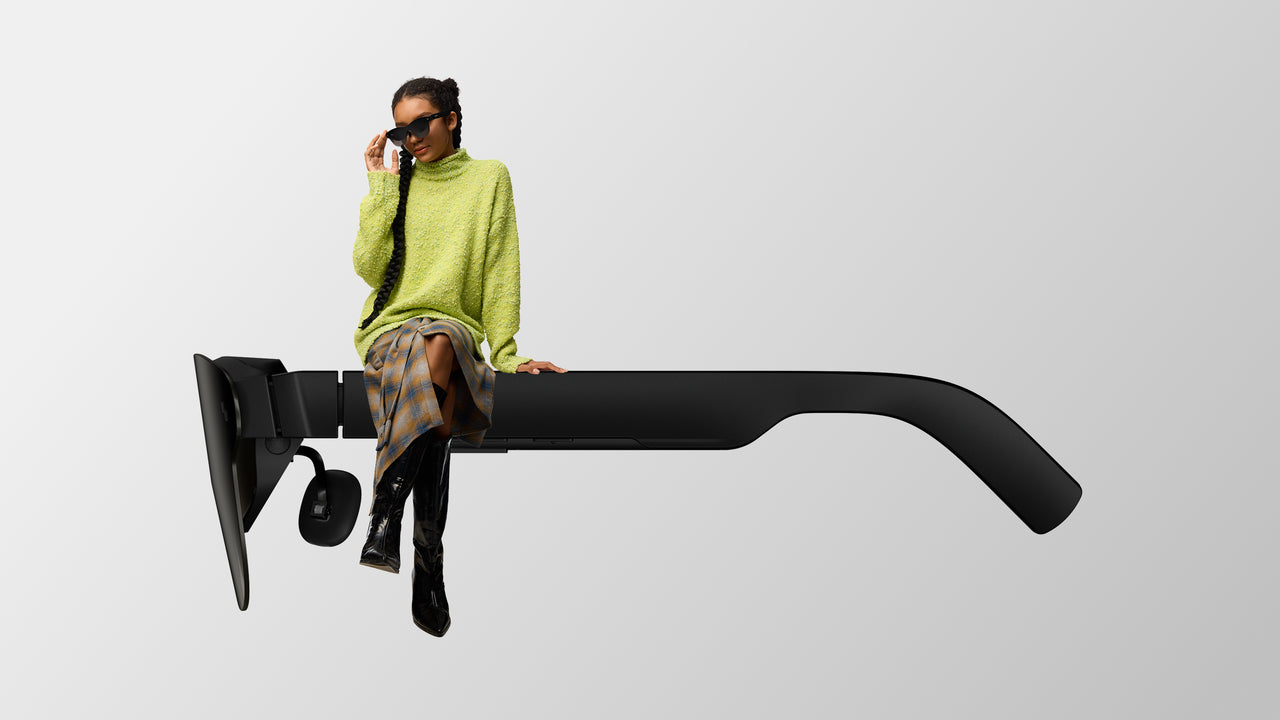
All-day wear with adjustable nose pads & flexible temples. Weighs 76g for pressure-free comfort.
Need prescription lenses? Visit our official prescription lens partner, Lensology, to order custom prescription lens inserts for RayNeo Air 4 Pro. Worldwide shipping is available.


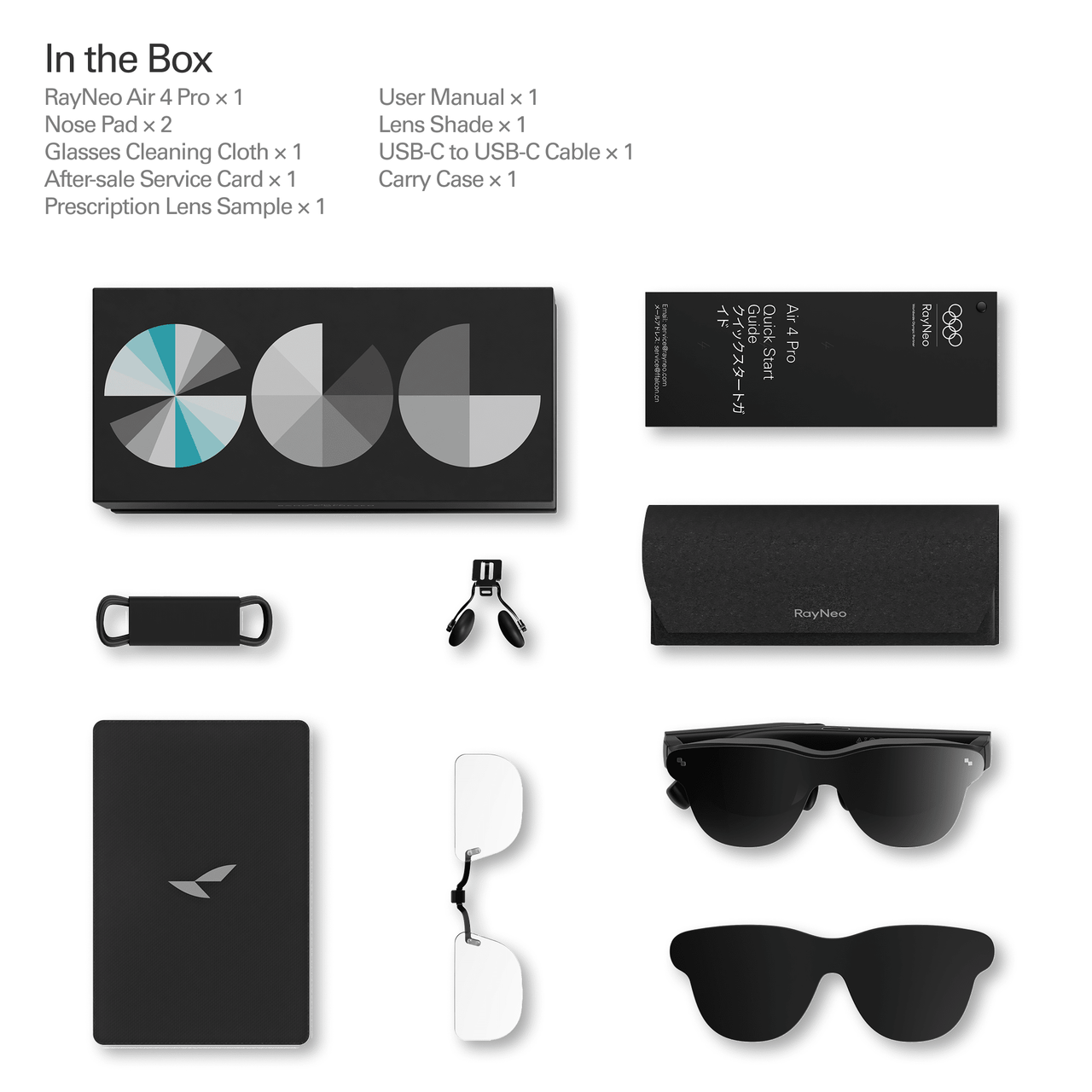
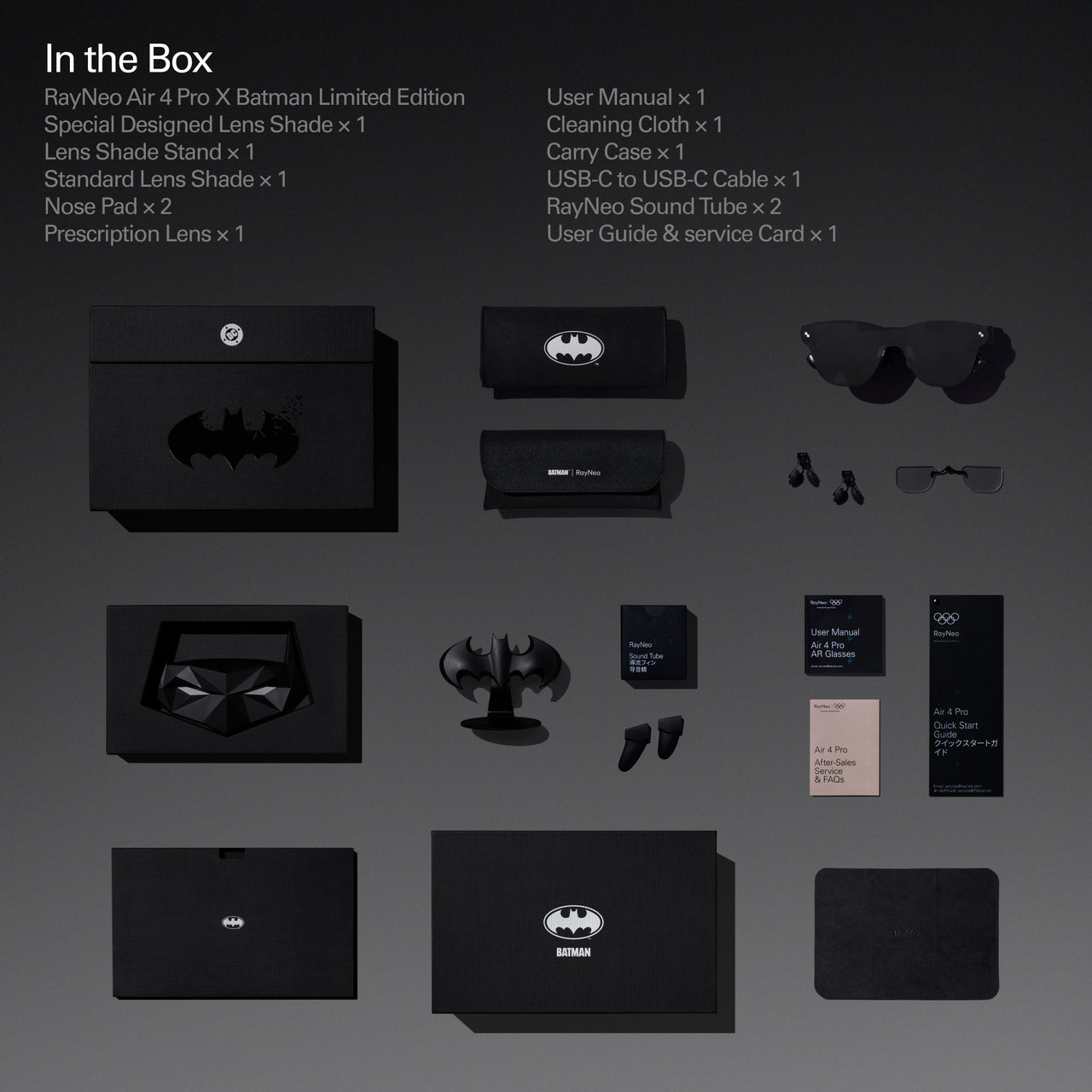
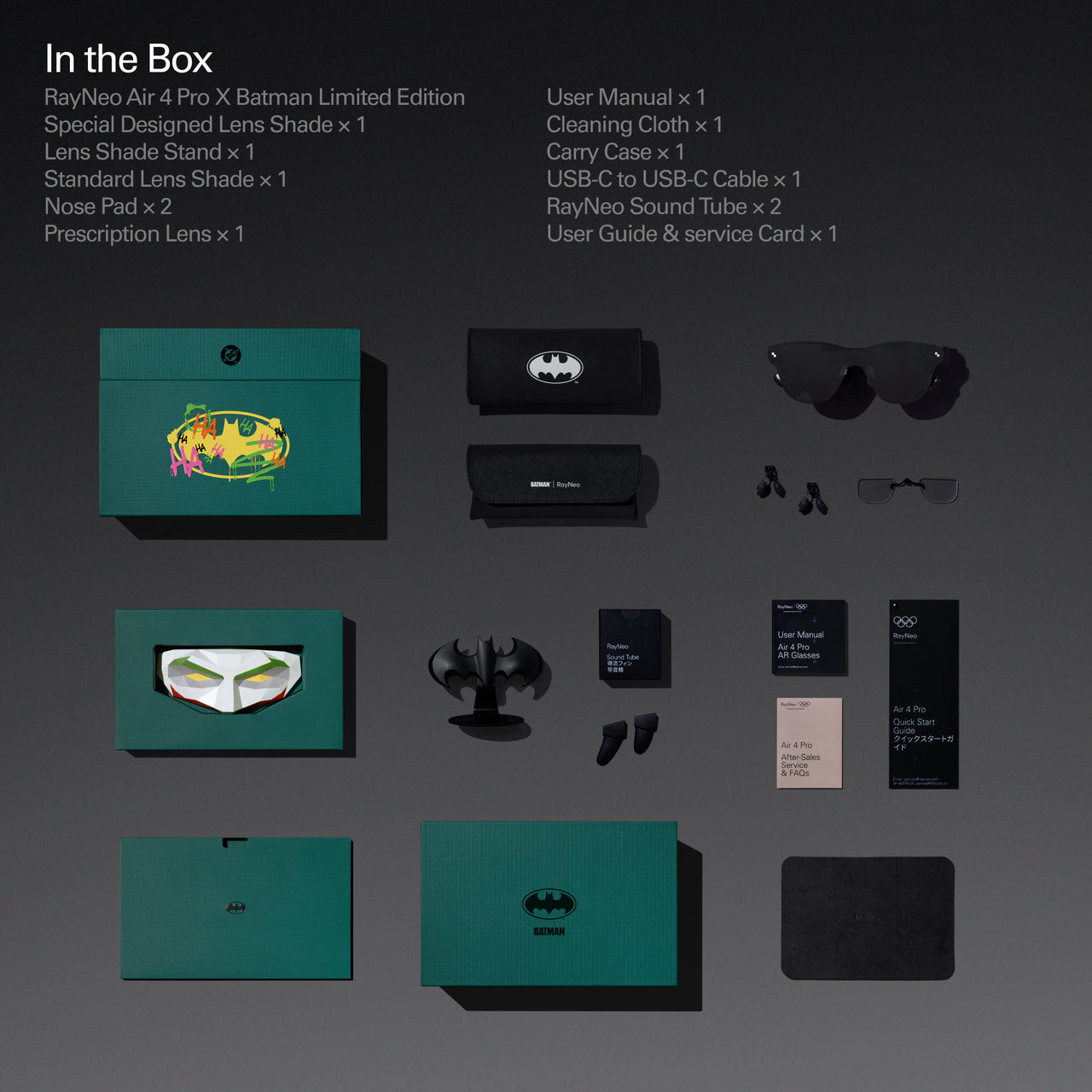
RayNeo Air 4 Pro ×1、Prescription-lens frame (sample) ×1、Data cable ×1、Nose pad component ×1、Carry case ×1、Glasses cleaning cloth ×1、User manual ×1
Worry-Free Purchase Available With SeelLearn More
Free & Fast Shipping
Free standard shipping on eligible orders.
30-Day Price Protection
We will refund the difference if the price drops within 30 days.
30-Day Free Returns
Return within 30 days for a full refund.
1-Year Warranty
Includes a 1-year limited warranty.
Hassle-Free Support
Contact our support team for help anytime.

AR GLASSES
Wear the screen, live the scene
World's first HDR10 Display in AR Glasses
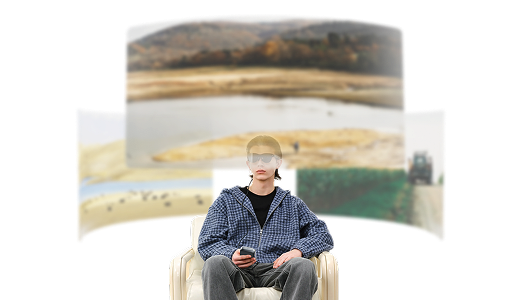
Turns rooms into 3D theaters. Supports native 3D & AI 2D-to-3D conversion rivaling IMAX.
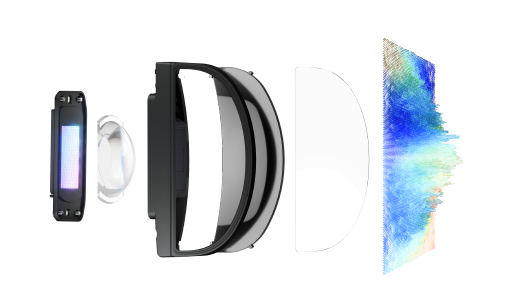
Experience 1.0B+ colors, surpassing standard displays. Enjoy deep contrast on a 201" HueView™ 2.0 screen.
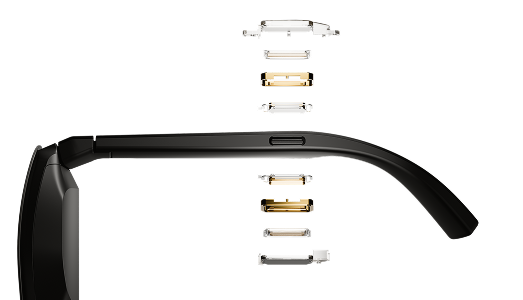
Immersive 360° sound via four speakers. Enjoy surround sound or private whisper mode. *Sound Tube sold separately for +15dB volume.
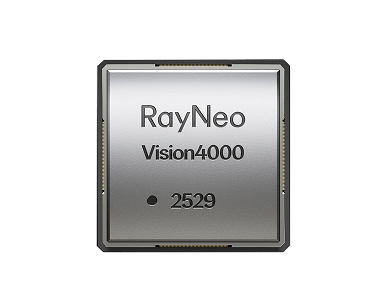
Real-time AI SDR-to-HDR upscaling for smooth visuals in movies, gaming, & TikTok.
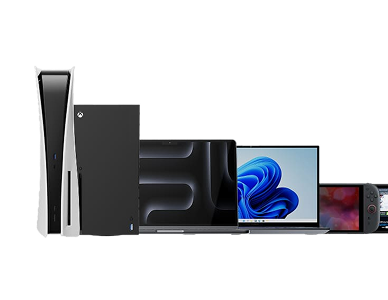
Connects to phones, laptops, & consoles via USB-C for 120Hz HD entertainment.
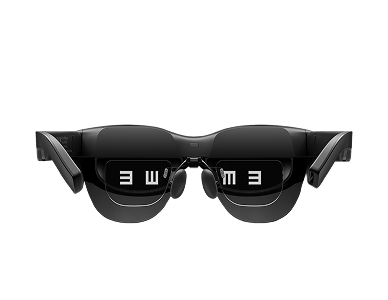
3840Hz dimming, low blue light & flicker-free for reduced eye strain.
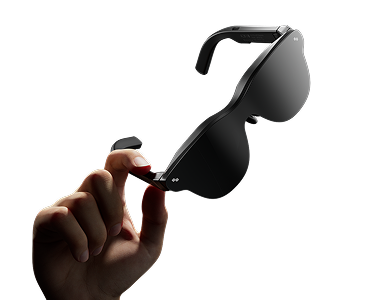
All-day wear with adjustable nose pads & flexible temples. Weighs 76g for pressure-free comfort.
World's First HDR 10 Display in AR Glasses

Real-Time AI SDR-To-HDR Upscaling For Smooth Visuals In Movies, Gaming, & TikTok.
Immersive Sound for You,Total Silence for Everyone Else.

3840Hz dimming, low blue light & flicker-free for reduced eye strain.

Sound that Surrounds. Enjoy surround sound or private whisper mode. *Sound Tube sold separately for +15dB volume.

Need prescription lenses? Visit our official prescription lens partner, Lensology, to order custom prescription lens inserts for RayNeo Air 4 Pro. Worldwide shipping is available.

So Light, You’ll Forget It’s There.
A 9-way flexible adjustment system &
3-position nose pads

Explore more features that can help you find the right RayNeo experience.


Instantly convert any 2D videos into 3D ones.
A visual upgrade that delivers deeper layers and superior immersion.
Spatial video playback is now live.
USB-C & HDMI adapter support; compatible with iPhone, Android, PC, Switch, and PS5...
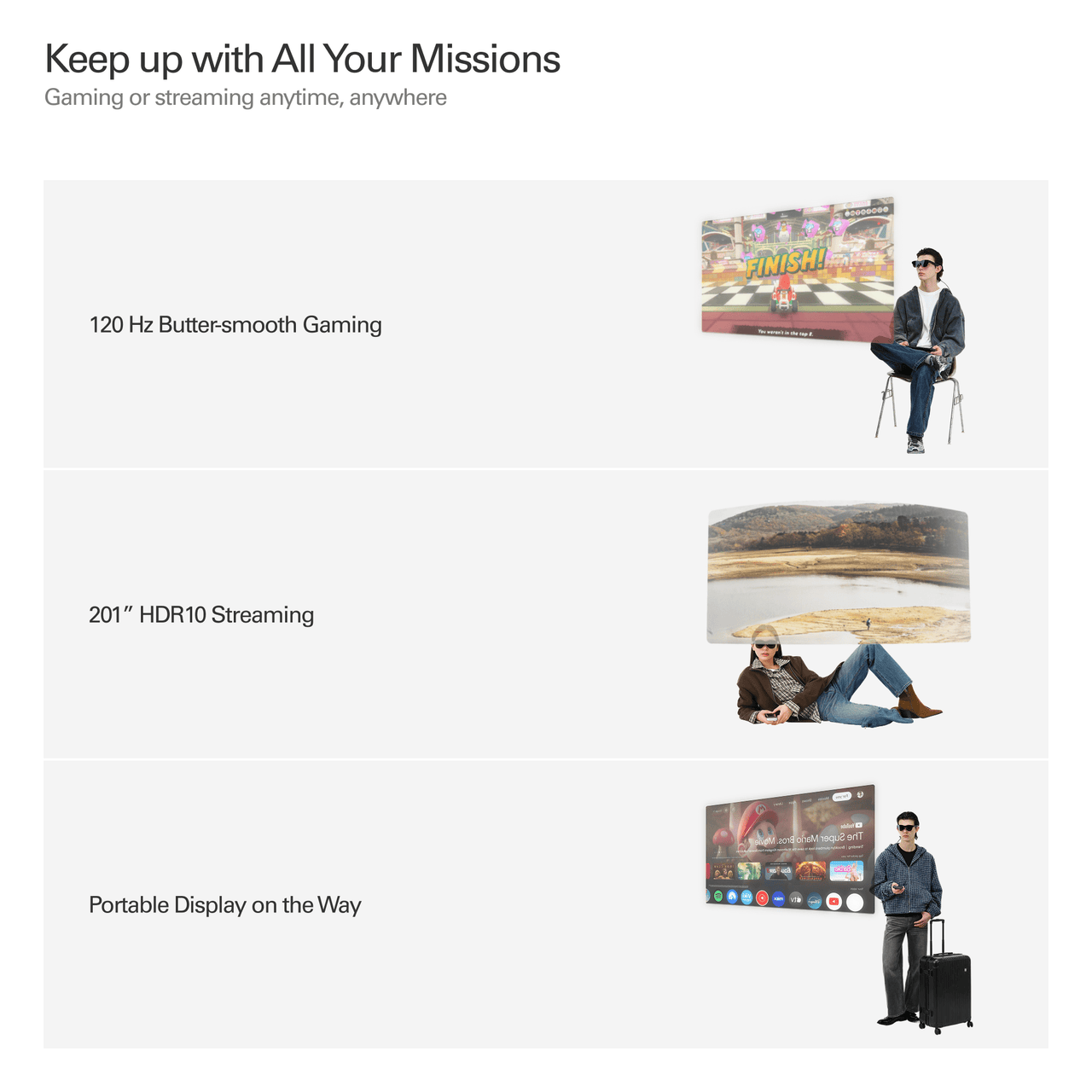
Gaming or streaming anytime, anywhere


I Tested The Rayneo Air 4 Pro For A Week, Here's The Truth...
Gadgets Guardian

RayNeo Air 4 Pro x Batman : A True Private Cinema Experience
The Q

The Steam Deck’s Best Upgrade!
Aleem On Deck
201" Virtual Display
0.6" SeeYa Micro-OLED
Full HD
Up to 120Hz
1,200 nits
HDR10
200,000:1
98% DCI-P3 / 145% sRGB
ΔE < 2
Bang & Olufsen
Quad-Speaker System
Immersive Spatial Sound
Whisper Mode
76g
Adjustable Nose Pads & Flexible Temples
TÜV SÜD Low Blue Light & Flicker-Free
3840Hz High-Frequency Dimming
Direct connection via DisplayPort-compatible USB-C
Compatible devices with USB-C video output
Compatible USB-C / DisplayPort devices
Compatible USB-C gaming devices
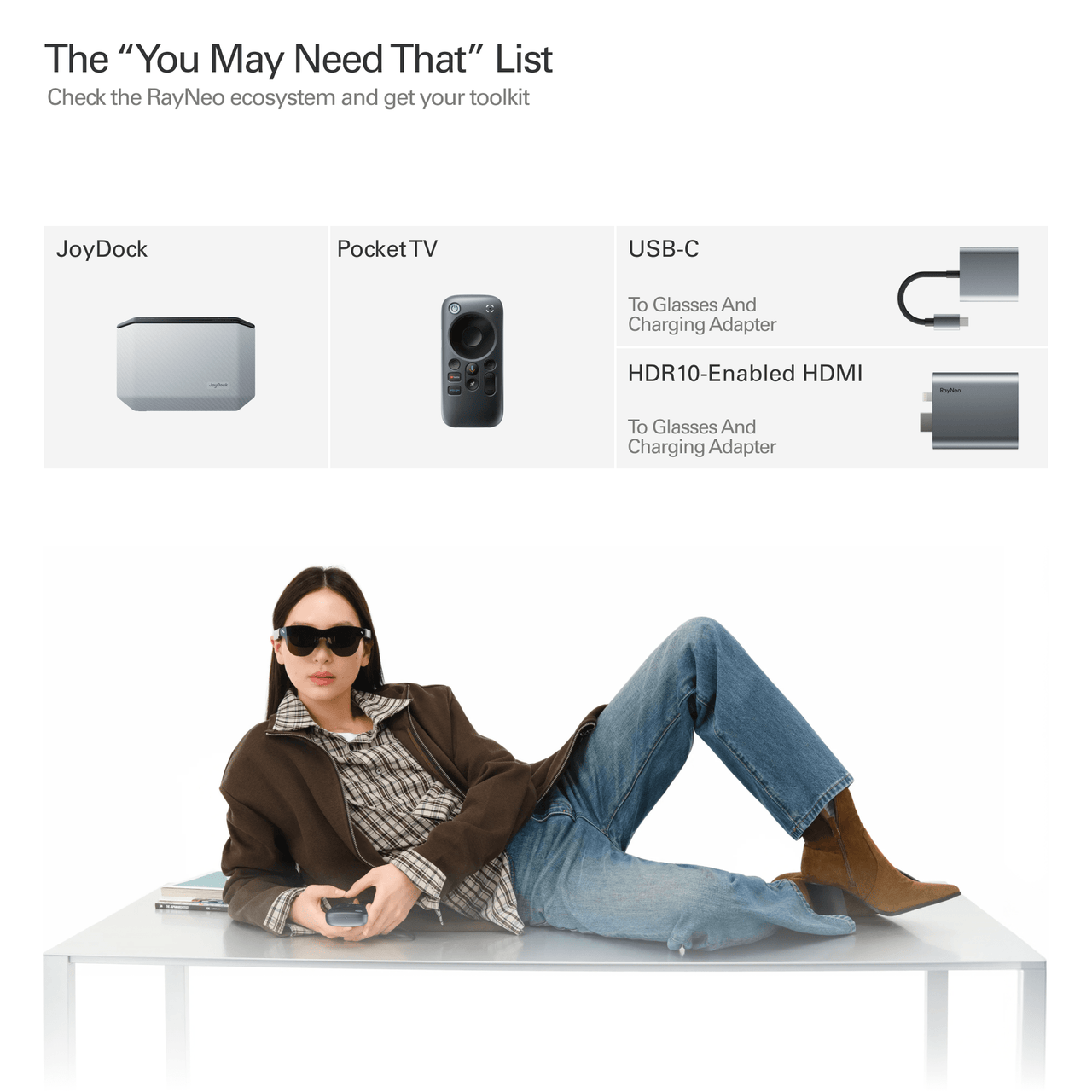
Supported via RayNeo HDMI Adapter
iPhone / Android / Mac / Windows / Steam Deck / Switch / PlayStation
Compatibility depends on your device’s video output capability.
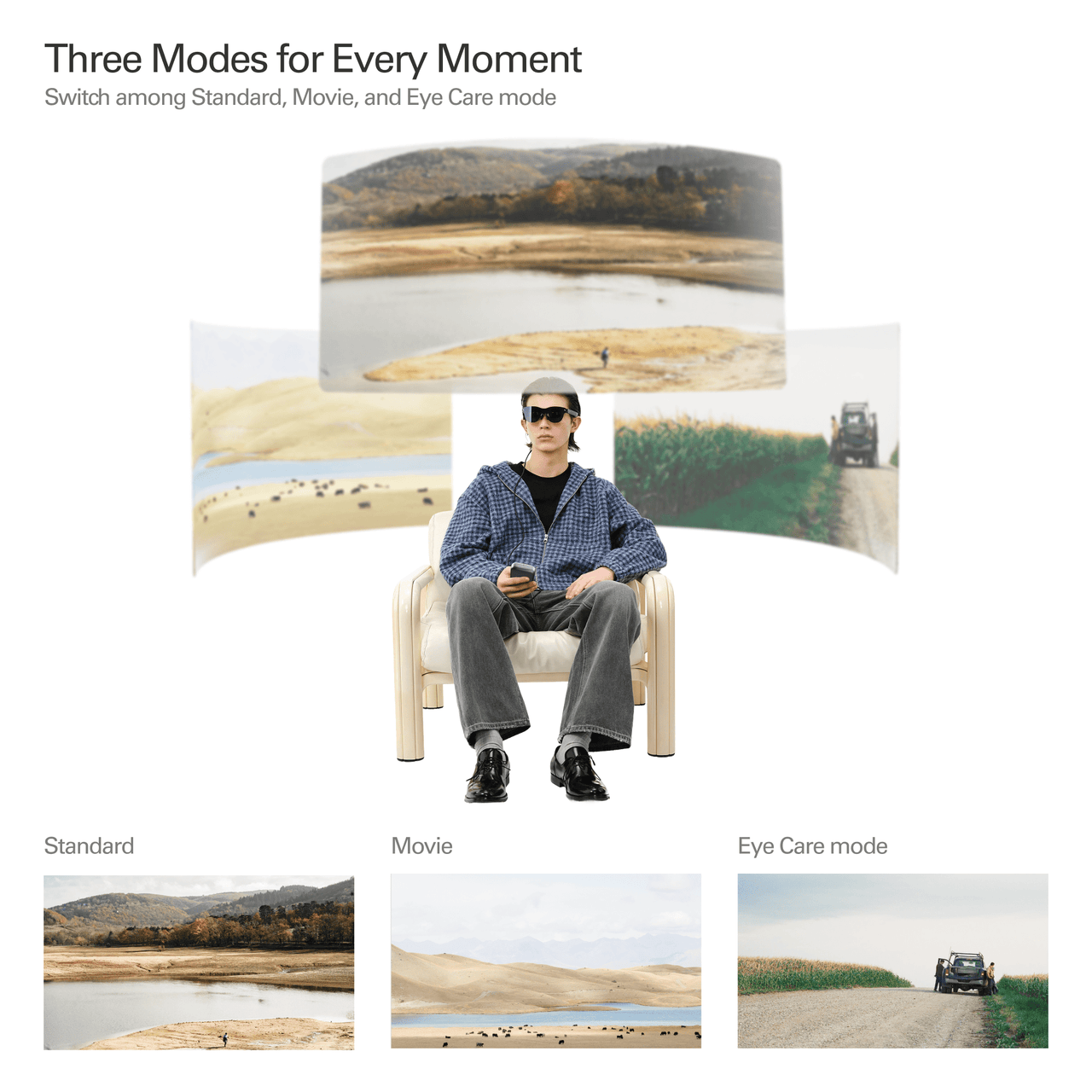
Standard / Game / Movie / Eye Protection / Professional / Vision Boost
20 Levels
On-device Controls
Native 3D
AI 2D-to-3D Conversion
RayNeo Air Series App
Prescription Lens Compatible

RayNeo Air Series App
Enhance your AR journey with our companion app-enjoy one-click 3D conversion, ultrawide display optimization, and immersive 3D contents on compatible platforms. Packed with powerful features to transform your extended reality experience.
RayNeo Air 4 Pro features an HDR10 Micro-OLED display, Vision 4000 processing, up to 120Hz refresh rate, a 201-inch virtual display, and audio co-tuned by Bang & Olufsen. It also supports real-time SDR-to-HDR enhancement and 3D content playback.
No. Air 4 Pro uses a fixed display rather than 3DoF spatial anchoring. Its “3D” features refer to stereoscopic 3D content and 2D-to-3D conversion, not head-tracked screen positioning.
Air 4 Pro works directly with compatible devices that support DisplayPort video output over USB-C. This includes many smartphones, tablets, laptops, and handheld gaming devices. HDMI devices can be connected using the RayNeo HDMI Adapter.
No. Air 4 Pro does not have a built-in battery. It draws power from the connected device, allowing plug-and-play use without charging the glasses separately.
Yes. RayNeo Air 4 Pro supports prescription lens inserts. If you need prescription lenses, please visit our official prescription lens partner, Lensology, to order custom lenses separately. Lensology offers worldwide shipping.
URL:https://lensology.co.uk/rayneo-air-4-pro-prescription-inserts/
Yes. Air 4 Pro supports up to 120Hz refresh rate with a 1080p Micro-OLED display, making it suitable for fast-paced gaming. Compatible USB-C devices can connect directly, while some consoles require an HDMI Adapter or JoyDock.
Connect Air 4 Pro directly to a USB-C port that supports DisplayPort video output. The glasses will function as an external display without requiring Wi-Fi or an app for basic viewing.
No. The app is not required for basic screen mirroring. The RayNeo Air Series App adds features such as 3D content, 2D-to-3D conversion, and display optimization on supported devices.
Adjust the nose pads and temple angle until the full screen is centered and sharp in your field of view. Small changes in fit can significantly affect edge clarity and viewing comfort.
Air 4 Pro supports native 3D content and compatible 2D-to-3D conversion through the RayNeo Air Series App. Feature availability can vary by device, operating system, app, and source content.
If the center looks clear but the edges appear blurry, first adjust the nose pads and temple angle to reposition the display in your field of view. Fit and eye position can have a significant effect on edge clarity. If the issue remains after adjustment, contact RayNeo Support.
Try adjusting the nose pads and temple angle until the full image is centered in your field of view. Your viewing position and facial fit can affect whether the corners and edges are fully visible.
Reposition the glasses and check that the frame sits evenly on your face. If you use prescription inserts, remove and reinstall them to confirm they are seated correctly. If one eye remains consistently blurry, verify your prescription and contact support if needed.
Make sure your device supports video output through USB-C DisplayPort. A USB-C port used only for charging or data transfer will not output video to the glasses. For HDMI-only devices, use a compatible RayNeo HDMI Adapter.
HDR availability depends on the connected device, operating system, video output capability, app, and source content. The connected device and content must support compatible HDR output for native HDR playback.
Still have questions?Get Help