
Table of Contents
For those of us already accustomed to smartphone and computer screens, the difference between AR and VR is more than just a different order of letters. We need to consider whether a technology is helping us engage more deeply with life or pulling us away from reality altogether. In this article, we will walk you through the core differences between AR and VR.
What Is Augmented Reality
At its core, Augmented Reality (AR) layers extra information—like a line of text, a navigation path, a translation, or even a virtual screen—directly onto the world you see. When wearing AR glasses, you still see the streets, your desk, and your colleagues' faces perfectly; digital data simply floats above these real-world objects. This overlay experience makes AR feel like a natural part of daily life rather than a formal "event" you have to set aside time for.
The true value of AR lies in bringing information one step closer to your eyes. In consumer settings, travel navigation, menu translation, real-time captions, and floating notifications have become the definitive uses for the technology. RayNeo X3 Pro delivers exactly this, integrating navigation, translation, photography, and information overlays into a pair of binocular full-color waveguide AR glasses, ensuring these capabilities are always ready for a city stroll or a professional workspace.
What Is Virtual Reality
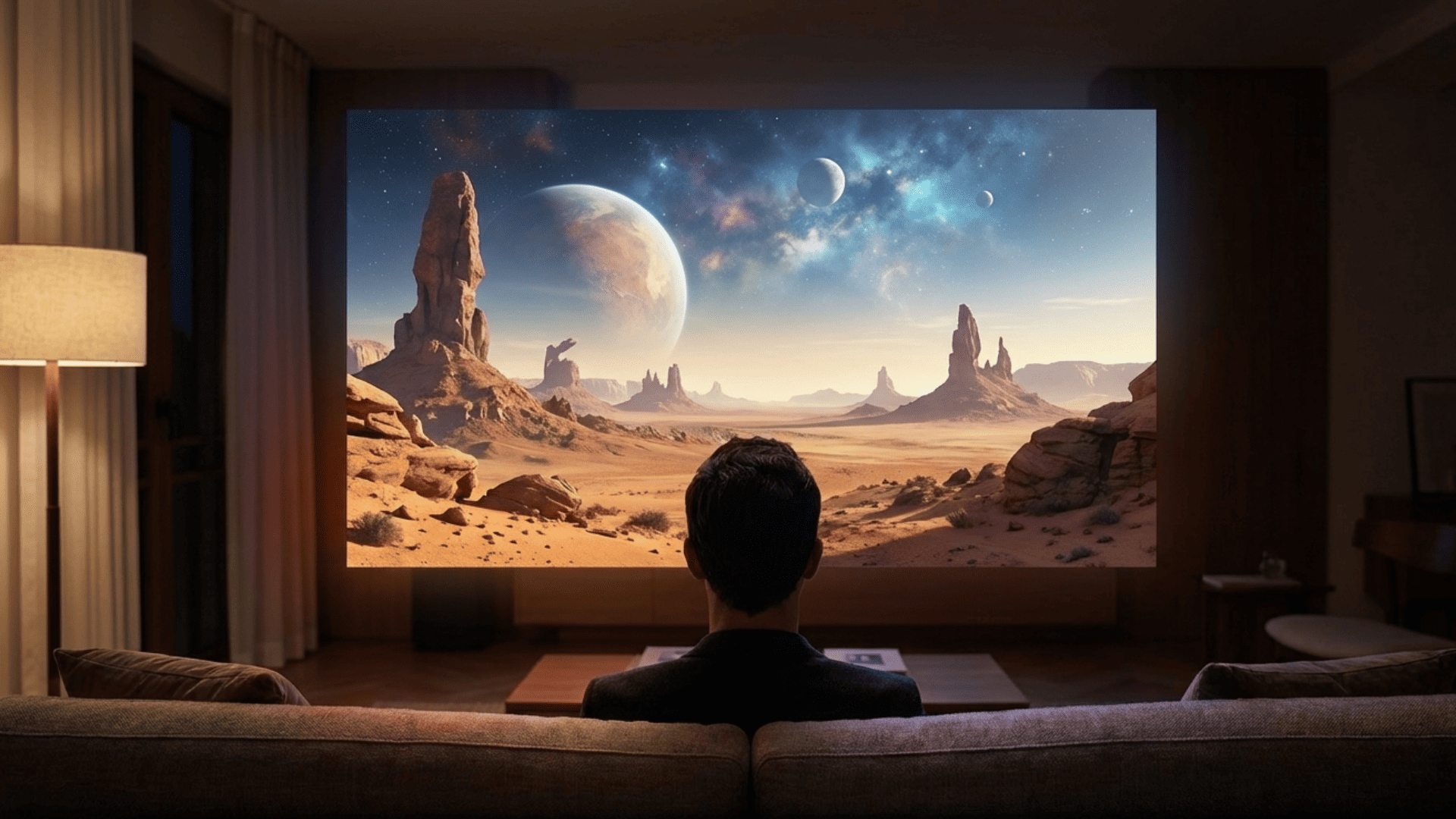
Virtual Reality (VR) takes a more direct approach; instead of adding a layer of information or an interface to reality, it temporarily replaces your entire field of vision with a complete virtual environment. Once you put on a VR headset, the outside world is blocked out. What you see are fictional rooms, outer space, or game worlds—all rendered on the screens inside the headset. Whether it’s a tower in a game, an enemy, a control panel, or the massive screen of a virtual cinema, everything exists within this artificially constructed space.

The VR model has distinct advantages, offering an incredibly strong sense of immersion that excels in gaming, simulation training, and immersive movie-watching. However, because VR completely obscures the real world, it isn't ideal as an all-day wearable for tasks that require staying aware of your physical surroundings.
Core Technical Differences Between AR and VR
To truly understand the differences between AR and VR, it helps to examine them through several technical lenses. These technical details ultimately define how it feels when you put on the device—whether you are wrapped in a virtual world or switching seamlessly between reality and digital data.

Level of Immersion
The goal of VR is high immersion. Typical consumer VR headsets use a wide field of view, spatial audio, and controller haptics to focus most of the user's attention on the virtual environment. This is both a strength and a limitation; when immersion is this high, you are almost completely unable to handle real-world tasks simultaneously.
AR, by contrast, offers a "lighter" immersion where the wearer remains present in their actual surroundings, supplemented by a layer of digital assistance. This low-friction immersion is more compatible with working, walking, and face-to-face communication, allowing users to "look up" from virtual info at any time to engage with reality. In user feedback for the RayNeo X3 Pro, many of our users mention that the most comfortable state is treating it as an information layer on their head—checking navigation while walking or reading a translation or message when they stop—rather than a completely immersive session.
Field of View and Display Architecture
To create a sense of enclosure, VR typically employs closed display systems with a large field of view (FOV), using a combination of large, high-resolution screens and optical lenses to cover most of the user's vision.
AR smart glasses usually adopt optical waveguides or semi-transparent optical structures to project images from micro-displays into transparent lenses. The FOV generally ranges from 30 to 50 degrees, which provides a sufficient information area while leaving plenty of real-world peripheral vision. The RayNeo X3 Pro functions as both AI glasses and AR glasses, utilizing binocular full-color MicroLED waveguide displays with a per-eye resolution of 640 x 480 and a diagonal FOV of approximately 30 degrees, achieving outdoor visibility through high-brightness waveguides. Meanwhile, the 2026 best AR glasses RayNeo Air 4 Pro, with 1920 x 1080 resolution per eye and HDR10 support, renders a virtual screen perceived as roughly 201 inches at a distance of 6 meters, giving users a cinema-like experience within a specialized FOV.
Tracking Systems and Spatial Mapping
VR devices require precise head and hand tracking to ensure the stability of the virtual world. Most headsets use inside-out positioning, capturing environmental features through front-facing cameras and combining them with gyroscopes and accelerometers to calculate user posture.
AR glasses must achieve spatial understanding while keeping reality visible. These wearables use cameras and depth sensors to map the environment, allowing virtual content to be stably overlaid on desks, walls, or roads. Within the smart glasses market, some products are beginning to implement stable 6DoF (6 Degrees of Freedom) spatial tracking within a lightweight form factor. The X3 Pro utilizes the Snapdragon AR1 Gen 1 platform, paired with multiple cameras and inertial sensors, to achieve stable virtual interface anchoring in indoor spaces. This is ideal for placing virtual screens on a desk or pinning sticky notes and content windows to a wall.
VR interaction typically relies on controllers, hand tracking, and spatial positioning, requiring users to learn specific button layouts and gestures to perform actions like grabbing, moving, and navigating menus.
AR glasses interaction is more closely integrated with real-world movements, often including voice control, touch-sensitive temples, gesture recognition, and mobile apps. Users can open navigation with a voice command, swipe through menus with a gesture, or select interface elements with their gaze. For instance, RayNeo X3 Pro supports a combination of voice assistants, touch controls, and mobile app integration. This allows users to simply say "Hey, RayNeo" to pull up translation or maps while walking, or use simple gestures to adjust brightness or switch apps, significantly lowering the learning curve.
AR vs. VR: Quick Comparison
|
Feature |
Augmented Reality (AR) |
Virtual Reality (VR) |
|
Experience |
Digital overlay on the real world |
Full immersion in a virtual world |
|
Environment |
Transparent; you see your surroundings |
Enclosed, the real world is blocked |
|
Typical Device |
Lightweight glasses (e.g., RayNeo X3 Pro) |
Heavy headsets (e.g., Quest, Vision Pro) |
|
Interaction |
Hands-free, voice, or touch temples |
Motion controllers and hand tracking |
|
Best For |
Navigation, translation, and multitasking |
Gaming, simulations, and deep cinema |
Hardware Differences in Smart Glasses
The hardware differences between AR smart glasses and VR headsets directly dictate wearing comfort and applicable use cases. Transparent waveguides, enclosed display systems, processing power, and weight distribution collectively determine how long you can wear a device, and whether you'll want to.
Optical Waveguide and Transparent Displays
AR glasses typically rely on optical waveguides or semi-transparent display structures. Images generated by micro-displays are coupled into the lens via prisms or waveguides, then transmitted to the eye through total internal reflection and out-coupling structures. The advantage of this design is that the lenses remain transparent, allowing the wearer to see the real environment with a virtual overlay.
The RayNeo X3 Pro features binocular full-colour MicroLED waveguide displays with a typical brightness of around 3,500 nits and peaks of up to 6,000 nits, ensuring high-definition text and image visibility even in outdoor environments. The RayNeo Air 4 Pro uses 0.6-inch Micro OLED screens, projecting high-contrast images to the front of the field of vision through waveguides while maintaining enough transparency for users to observe their surroundings with a slight shift in gaze.
VR Enclosed Display Systems
VR headsets utilize an enclosed display structure. Internal screens are magnified through lenses, completely blocking the field of view so that all visuals originate from the device itself. This structure is ideal for enhancing contrast and immersion, allowing headsets to provide a larger field of view and complex stereoscopic effects; however, weight and heat are more concentrated, which can lead to a stuffy or pressured feeling during long-term wear.
Processing Power and On Device Computing
Both AR and VR demand high processing power. VR requires real-time rendering of entire 3D worlds, often relying on high-performance GPUs or external PCs. While standalone VR headsets have built-in chips, they still struggle to balance graphics performance with battery life.
The computational focus of AR smart glasses depends on product positioning. Lightweight screen-mirroring glasses can rely on a smartphone for processing. In contrast, true AI+AR glasses like the RayNeo X3 Pro utilize the Snapdragon AR1 Gen 1 platform to handle visual recognition, voice understanding, spatial computing, and multi-app management on-device. Equipped with 4GB of RAM and 32GB of storage, and paired with RayNeo AIOS and services like Gemini, it allows users to complete tasks such as translation, navigation, photography, and recording without frequently pulling out their phones. The RayNeo Air 4 Pro acts more as a display terminal, connecting to phones or computers via USB-C to offload computing to external devices, ensuring low latency and high image quality.
Weight Comfort and Wearability
Weight and balance determine whether a device is a daily essential or an occasional toy. Because VR headsets require large screens, lenses, and batteries, they are generally heavier and need headstraps to distribute pressure. AR smart glasses are much closer to the weight of regular eyewear. The RayNeo X3 Pro weighs approximately 76g, using an ergonomic weight distribution to spread the load across the bridge of the nose and behind the ears. This compact form factor makes them some of the lightest smart glasses available in 2026. These details are critical for those who want to use smart glasses for extended periods on the go, in the office, or at home, as they allow the technology to disappear into the background of your daily routine.
AR Smart Glasses vs VR Headsets in Daily Use
When we shift from technical specs to daily life, the differences between AR and VR become much more practical. Whether you are working at a desk, lounging on a sofa, waiting at an airport, or presenting in a boardroom, these scenarios naturally lean toward different device types.
Productivity and Work Applications
In productivity scenarios, AR smart glasses have a clear advantage. Users can overlay virtual windows on their desks, display to-do lists near their screens, and check notes or translation results during meetings—all without losing awareness of their colleagues or environment.
The RayNeo X3 Pro is perfectly suited as a second screen and information layer in these settings. Reviews point out that while working on a computer, users can have email notifications, schedules, and summaries displayed right before their eyes. A slight glance allows them to check info without constantly switching windows. For professionals who frequently reference data, prepare reports, or multitask, this lightweight AR capability replaces a cluttered physical screen with a sense of control.

VR applications in the workplace are more focused on design, visualization, and immersive collaboration. Such as architects walking through virtual models or engineering teams discussing complex structures in a 3D environment. While highly valuable for specific industries, this isn't something most knowledge workers need on a daily basis.
Gaming and Entertainment Scenarios
For gaming and deep entertainment, VR remains the powerhouse of immersion, especially for hardcore gaming and exploring entirely virtual worlds. Users can fully commit to a virtual scene and temporarily leave their physical space, which is incredibly compelling for action games and immersive storytelling.
AR smart glasses focus their entertainment value on content consumption and lightweight interaction. The RayNeo Air 4 Pro is built for exactly this; with 1920 x 1080 resolution per eye, HDR10 support, and a 120Hz refresh rate, it serves as a personal cinema, providing a high-contrast, high-dynamic-range big-screen experience. A ZDNET review noted that the Air 4 Pro maintains detail in both dark and high-brightness scenes, making it a viable TV replacement for movies and series. For users who prioritize media consumption, this is a much lighter alternative to VR that doesn't block out reality or cause the same level of motion sickness.
Navigation and Contextual Assistance
AR glasses are a natural fit for navigation and contextual help. Whether walking, cycling, or using public transit, wearers can see directional cues, station info, and location prompts in their field of vision while remaining observant of traffic and road conditions.
The RayNeo X3 Pro supports overlaying walking navigation and point-of-interest data directly in front of the user, so they don't have to constantly check their phones in an unfamiliar city. Combined with real-time translation and menu recognition, it provides an "information safety net" during travel and business trips, reducing the uncertainty of language barriers and navigation. Because VR headsets block reality, they are unsuitable for mobile environments, making them incomparable in this category.
Social Interaction and Communication
Social interaction is a dimension where the distinction between AR and VR is stark. VR offers new social modes through avatars and virtual spaces, where users meet, chat, and collaborate in a fully digitally constructed world. This is attractive for remote socializing and multiplayer gaming but requires the user to accept the premise of entering another world.
AR smart glasses excel at enhancing real-world social interactions—for example, providing captions and translations during live conversations, displaying a person's name and background during meetings, or overlaying prompts and guides at live events. For those involved in international business, cross-border meetings, or communicating in noisy environments, this augmented social experience is much closer to daily life than a purely virtual encounter.
How to Choose Between AR and VR Smart Glasses
Between AR and VR, the real choice isn't a battle of concepts, but a matter of prioritizing your use cases. Where you spend your time and which experiences offer the most practical value will largely dictate your choice between AR and VR.
Define Your Primary Use Case
If your primary needs are immersive gaming, virtual exploration, and a completely enclosed cinematic experience, a high-performance VR headset is the better fit. You will care more about the field of view, refresh rates, and the controller ecosystem.
If you value information overlays for work, navigation and translation for daily travel, and lightweight media consumption, AR smart glasses should be your priority. The RayNeo X3 Pro is ideal for those who want to use navigation while walking through the city, rely on captions and translation during meetings or trade shows, and want to capture photos or use a voice assistant on the fly. The RayNeo Air 4 Pro is better for heavy content consumers and audiophiles who want high-end TV picture quality via HDR10 and high refresh rates—whether at the office, home, or on the road—while maintaining some awareness of their surroundings.
Consider Comfort and Usage Duration
Comfort during extended use is critical. VR headsets are heavy and create a sense of enclosure, making them better for short, focused sessions. AR smart glasses feel more like regular eyewear and can be put on or taken off effortlessly throughout the day.
For commuters, frequent travelers, and those who stare at screens for hours, the ability to wear a device comfortably for long periods is a more practical concern than raw resolution. The 70-gram-class weight of the RayNeo smart AR glasses series, combined with support for prescription lens inserts, makes them a natural extension for many who already wear glasses.
Evaluate Ecosystem and Content Support
Whether it's AR smart glasses or a VR headset, the content ecosystem determines the device's longevity. VR focuses on the number of games and apps on a platform, while AR smart glasses prioritize integration with phones, computers, office tools, and AI services.
The RayNeo X3 Pro leans into deep integration with mobile ecosystems and AI. Users can call upon LLM assistants like Gemini directly in the glasses for translation, summaries, and Q&A, or run various Android apps to create a "second screen" pinned to their vision. The RayNeo Air 4 Pro adapts to various devices via a wired connection, essentially turning any video-output terminal into a content source—from gaming consoles and laptops to streaming apps on a phone. For heavy Netflix or streaming users, this compatibility means there is no need to migrate to a new ecosystem.

Conclusion
Returning to the opening question, the core difference between AR and VR is ultimately the distance you choose to maintain from reality. VR acts like a completely independent domain carved out alongside your life; once you put it on, you are fully immersed in another space. AR, however, adds a layer of information and tools onto the surface of reality, allowing you to see more clearly and act with more confidence while at the same streets and the same desk.
For most daily users, starting with smart glasses is a smoother path into spatial computing. RayNeo X3 Pro takes AR out of the lab and into the city and the workplace, providing a device for navigation, translation, photography, and information overlays that you can wear every day. On the audio-visual front, RayNeo Air 4 Pro elevates the virtual screen to a level that can truly replace a TV, offering a floating big-screen experience for users who want high-quality content anywhere without being tethered to a bulky headset.
Ultimately, in the choice between AR and VR, what matters isn't the concept itself, but which part of your life you most want to enhance right now.
FAQ
What does AR do in glasses?
In smart glasses, AR overlays text, images, or interfaces onto the real world you see, serving purposes like navigation, translation, notifications, and content display. The lenses remain transparent, allowing virtual information to float over reality like a thin digital layer.
Can I use VR if I need reading glasses?
Most VR headsets offer diopter adjustments or accommodate standard eyeglass frames. Some users may need a combination of internal adjustments and lens inserts to achieve a clear image. Many devices also support prescription lens mounts. For those with significant vision issues, it is recommended to consult an eye doctor before extended use.
Who should not use VR?
People with severe motion sickness, balance disorders, or a history of epilepsy should use VR with caution. Some individuals are highly sensitive to rapid visuals and parallax changes, which can lead to dizziness, nausea, or eye strain within a short time. Usage by children should also be strictly timed and supervised.
Can you watch Netflix on VR glasses?
Yes. Major VR headsets typically offer streaming apps, allowing users to watch Netflix and other video content in a virtual cinema environment. If you prefer a lighter viewing experience without the need for total immersion, you might consider AR smart glasses like the RayNeo Air 4 Pro. By connecting to a phone or computer, you can watch Netflix with high-quality visuals through HDR10 and high refresh rates while maintaining a basic awareness of your real-world surroundings.
Share:
5 Smart Ways to Enjoy In-Flight Entertainment Without Wi-Fi
What Are the Latest Trends in Cool Wearable Technology?