

$429.00

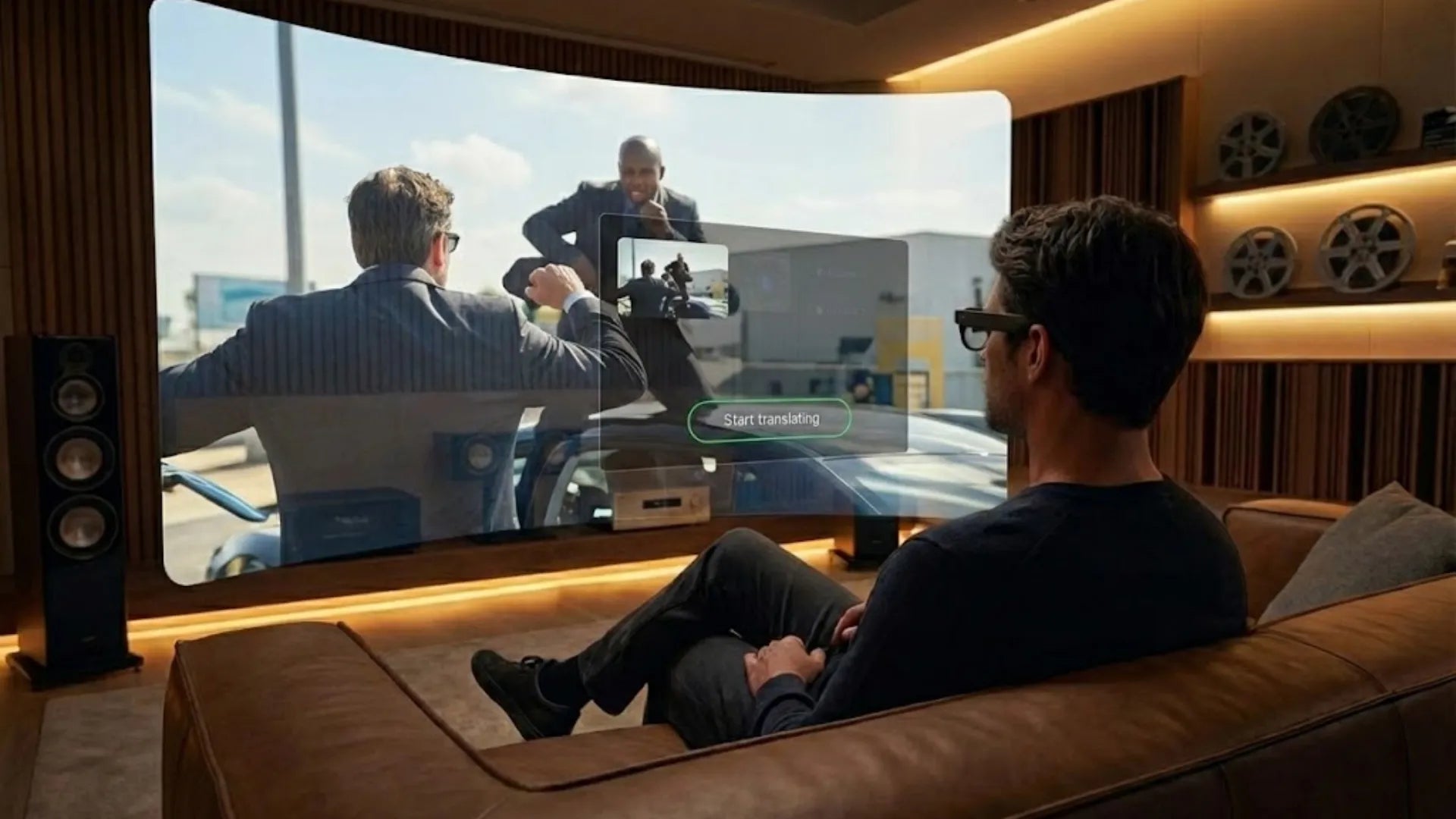
Screen size affects how hard your eyes work and how much detail your brain captures. It even changes how deeply you feel what you see. Yet, most people know nothing about this when buying new gear. This article uses vision science and real-world tests to explain why larger screens are better. We also show how pairing handhelds with AR glasses creates the perfect setup. This gives players a big-screen experience in any setting without added weight or hassle. At the same time, it respects the three essentials: low latency, light weight, and long battery life.
In the evolution of portable gaming, screens are moving from the hands to the face. Players want a visual scale similar to living room TVs or desktop monitors without heavy hardware. They also want to keep the freedom of using handhelds on subways, planes, or in dorm beds. Small built-in screens no longer satisfy long immersive sessions. While external monitors offer larger images, they sacrifice portability. AR glasses are now filling this gap.
Looking back at traditional handhelds, we have seen three main technical paths. Early devices like the Game Boy and PSP focused on portability and physical buttons. Mid-term consoles like the Switch, Steam Deck, and ROG Ally prioritized performance and console-grade graphics. Recently, the focus has shifted to balancing heat and power. Hardcore players tell us that native handheld screens are limited. Most are 7 to 8 inches. This makes text small and hard to read during long RPG or strategy sessions. Brightness is often insufficient outdoors, leading to glare and eye strain.
In the past, some players used stands and portable monitors to solve the screen size issue. This created more problems. Extra cables, desk space, and power needs made these setups bulky. They are nearly impossible to use on the go without a stable desk. Our tests show that the experience drops when you need to shift positions on a train or plane. This is why players are looking at lightweight wearable displays.

The term hybrid gaming has become common recently. It means players no longer stick to one device. They want to switch freely between handhelds, PCs, cloud gaming, and AR glasses. Content follows the user through different scenes. At home, you can dock a handheld to a large screen for high refresh rates. During a commute, you can plug into AR glasses. A single cable turns the view into a virtual screen over 100 inches.
This hybrid setup has high standards. Players care about image integrity and low input lag. The setup must be plug-and-play without extra configuration. Traditional VR headsets are often too heavy and complex. Users complain about pairing, firmware updates, and IPD adjustments. These hurdles kill the mood to play a quick game. This makes the AR glasses and handheld combo more practical.
Handhelds and AR glasses are moving toward the same goal. they want to reduce their physical presence while keeping performance high.Most handhelds now support USB-C Alt Mode. Some even have specific settings for external displays. This matches the way AR glasses rely on USB-C DP links. Meanwhile, advancements in what-are-smart-glasses-with-display are rapidly improving refresh rates, brightness, and audio to meet these demanding gaming needs.
When a handheld handles rendering and AR glasses handle display, the roles are clear. The host device takes the processing load. The glasses serve only as a high-quality terminal. This avoids the heat, battery anxiety, and weight issues of standalone VR headsets. In this model, the relationship is like a console and a monitor. The console fits in your bag or hand, and the monitor sits lightly on your face.
The quality of video output, connection protocols, and the level of synergy between audio and control signals will directly affect how players rate the overall setup.
Most handhelds use mirror mode when connecting to AR glasses. The handheld keeps its original UI layout, and the AR glasses act as a high-resolution external monitor showing the same screen. The advantage of this method is strong compatibility. Almost any device supporting USB-C DisplayPort output works instantly. In our comparison tests connecting handhelds to various AR glasses, we found the biggest variables in mirror mode are the field of view, virtual screen size, and optical clarity. These factors determine if the view feels more like an 80-inch bedroom TV or a 200-inch home theater.
Another mode with more potential is extended display mode. Here, the host device treats the AR glasses as an independent output. For example, on a PC or certain handheld systems with desktop modes, players can display maps or chat interfaces on the handheld screen while showing the main game on the AR glasses. This creates a dual-screen experience. However, current player feedback shows that mirror mode remains the most widely used. Extended mode requires higher standards for system UI design and needs specific optimizations for games or systems to work well. In our product planning, we prioritize the stability and latency of mirror mode first.
In terms of connection methods, the current mainstream combinations of handhelds and AR glasses fall into two categories: direct wired connection via USB-C DP Alt Mode, and wireless screencasting or cloud gaming solutions. In player communities, common complaints center on compressed visuals and latency jitters over wireless links. In 5GHz or low-quality Wi-Fi environments, action gamers often describe the input lag as unbearable.
While a direct wired connection adds a cable, it offers significant advantages in image quality and latency. DP 1.4 bandwidth can stably output 1080p or higher resolutions. When paired with 90 to 120Hz refresh rates, the experience remains close to a desktop monitor, even in fast-paced shooters or fighting games. Regarding compatibility, we recommend first confirming that your handheld supports video output. Next, check the supported resolution and refresh rate range of the AR glasses. This helps prevent screen tearing or stuttering caused by a mismatch between the handheld's frame rate and the display's refresh cycle.
On the audio and control side, players focus on three main areas: whether the sound has a clear sense of direction, if there is audio-visual desync, and whether extra headphones or speakers are needed for a full experience. AR glasses with built-in speaker arrays can keep latency within an acceptable range if the audio signal travels directly from the handheld to the glasses via USB-C. A dual or quad-speaker layout provides a relatively immersive sound field.
If a player uses Bluetooth headphones, latency sources stack up. The encoding and decoding process from the handheld to the headphones adds dozens of milliseconds of delay. This can noticeably affect the feel of rhythm or competitive games. Regarding control, since the handheld still handles all inputs, the AR glasses do not need to process extra control signals. This actually simplifies the system structure. As long as the cables and ports are reliable, players can focus entirely on the buttons in their hands and the visuals in front of them.
Pairing a handheld console with AR glasses offers more than just a bigger screen. It is a major upgrade for comfort and privacy. We will analyze four dimensions: the virtual screen, immersion, ergonomics, and privacy.
The most memorable moment for players is seeing a cinema-grade screen in a small space. Current AR glasses offer 100 to 200 inch virtual screens at an equivalent distance of 4 to 6 meters. Some models even reach a visual size of about 201 inches. This exceeds the size of most home TVs. Combined with the power of a handheld console, players get a personal giant screen in bedrooms, planes, or high-speed trains.
For RPG or open-world fans, this large screen makes UI elements much clearer. You no longer have to squint at a 7 inch screen. HUD elements, mini-maps, and subtitles can be scaled to a truly comfortable size.
The weight and pressure of AR glasses are much lower than traditional VR headsets. Many entertainment-focused AR glasses weigh between 70 and 90 grams. Their design looks like regular eyewear. This allows for long sessions without pressure or heat. This lightweight design lets players focus on the game rather than the hardware on their heads.
|
Feature |
AR Glasses for Gaming |
|
Weight |
70 to 90 grams |
|
Form Factor |
Lightweight, eyewear-style design |
|
Viewing Mode |
Theater-like light immersion |
|
Spatial Awareness |
Retains peripheral vision to reduce motion sickness |
We have found that players do not always want a fully blocked-out view. Many prefer keeping a sense of the real world. This reduces motion sickness and mental fatigue. In a handheld setup, AR glasses provide a theater-like mode. It feels like watching a big screen in a dim room while still sensing your surroundings. This light immersion is more accessible for daily use.
Ergonomics is often ignored until a player feels the pain of a long session. With traditional handhelds, players often lean their faces toward the device. This leads to a slumped back, lowered head, and forward-leaning shoulders. Over time, this causes neck and shoulder fatigue. When pairing a handheld with AR glasses, your focus moves to the screen in front of your eyes. You can hold the console in a more relaxed position. This significantly reduces the load on your arms and neck.
Privacy is an advantage you only realize once you have it. On a standard handheld, everyone around you can see your screen. In public places, people can see what you play or read. This can be stressful for private or introverted players.
With AR glasses, the image stays inside the lenses. Others only see you wearing high-tech glasses. This private theater experience is great for subways, planes, or shared offices. You can enjoy your game without disturbing others. On a data level, the handheld handles all computing and logins. The AR glasses only act as a display and audio output. This reduces the risk of spreading account info across too many devices.
To make handhelds and AR glasses a reliable daily system, performance must be coordinated. We analyze four key variables: resolution and refresh rate, latency, battery and power management, and heat and comfort. We also provide a summary of our findings.
Syncing resolution and refresh rate between the handheld and AR glasses is the baseline for avoiding blur and tearing. Many AR glasses use Micro-OLED displays. Some models support 120Hz refresh rates and brightness up to 1200 nits. They also offer a 200,000:1 contrast ratio and HDR10 support. These specs accurately render dark details and highlights in games.
If a handheld is locked at 60Hz while the glasses support 120Hz, you must sync the settings. Otherwise, the gap between the UI and game frame rates can cause stutter. For high-frame-rate gamers, we suggest a handheld that outputs at least 90Hz paired with 120Hz glasses. This significantly improves smoothness and tracking in action games.

Gamers are sensitive to lag. In rhythm, fighting, or FPS games, an extra 20 to 30 milliseconds can make controls feel sluggish. Based on player discussions, wired connections often keep latency between 10 and 20 milliseconds. This is acceptable for most. Wireless or transcoded solutions can exceed 40 milliseconds.
We recommend handhelds that support USB-C DP Alt Mode to connect directly to high-refresh AR glasses. With a reliable cable, latency stays close to that of a traditional monitor. This keeps the controls responsive for action games. Closing background apps and using performance modes also helps reduce delay.
Battery life is a major pain point mentioned in user communities. After the initial excitement, frequent charging often stops people from daily use. This setup uses two battery pools: the handheld and the glasses. Balancing these is the key to a convenient system.
Some AR glasses use a lightweight design and draw power from the connected device. This puts more stress on the handheld battery. We focus on three indicators:
The battery difference when using an external display versus the handheld screen.
The usage time of the glasses in high-brightness mode.
The heat and drain rate during a 2 to 3 hour session.
Most players can accept a once-a-day charging cycle if the experience stays stable.
Heat and comfort are linked during long sessions. Handhelds can get hot in the grip areas. Users report sweaty palms during summer, often requiring external controllers or cooling fans. AR glasses do not handle rendering, but their display drivers and audio systems still generate heat. If poorly designed, heat builds up on the forehead, nose, or ears. This can lower comfort within one or two hours.
After understanding the principles and metrics, the most important question for players comes down to one word: selection. This is true whether you are making a one time purchase or upgrading your gear gradually. We will provide specific advice across four areas: handheld selection, AR glasses models, essential accessories, and typical use cases. Our suggestions rely on real world testing and user feedback to define the final experience instead of just sticking to paper specs.
When choosing a handheld, review the specs with AR glasses in mind. Three metrics are vital. First, the device must support USB-C DisplayPort video output. Second, the CPU and GPU must provide stable performance over 60 fps at the target resolution. Third, battery life in performance mode must last for a full commute or a night of gaming. Fans of exclusive platforms like Nintendo or PlayStation should also check the UI. Some systems do not scale fonts or interfaces well on external displays.
Weight and balance also matter. Since your eyes move from your hands to the screen in front of you, your grip will be more relaxed. If the device is top-heavy, it will still strain your wrists over time. Cloud gamers can use light handhelds or phones with controllers. This works well if the network is fast and stable. For travel or weak signals, local rendering is still the more reliable choice.
For AR glasses, focus on display specs and comfort. Align these with the output of your handheld. High-end options now use 0.6 inch Micro-OLED screens. These support HDR10, 120Hz refresh rates, and 1200 nits of brightness. Dedicated chips can enhance SDR to HDR and convert 2D to 3D. This provides an experience like a 201 inch virtual screen with a 200,000:1 contrast ratio. This setup turns small handheld content into a cinematic experience with deep detail.

Comfort is just as important. A weight of about 76 grams and adjustable nose pads make long sessions easier. A four-speaker system with professional audio tuning provides an immersive soundstage without pressing on your ears. For players who want a light setup with high image quality, we recommend the RayNeo Air 4 Pro. It is built for gaming and media.
A few key accessories can improve your experience. Start with a high-quality USB-C cable. It should support both charging and DisplayPort video output. The build must be sturdy to avoid screen flickering or signal loss when the cable bends. An adjustable stand is also helpful. Many players place the handheld on a table or their lap while using AR glasses. This removes pressure from your hands, which is great for RPGs or story-driven games.
For software settings, use performance mode but cap the frame rate. Aim for a stable 60 fps or 90 fps instead of chasing inconsistent high numbers. Close background downloads and streams to manage heat and save battery. For audio, use the wired or built-in channels on the AR glasses. This reduces the lag found in Bluetooth. Only use low-latency Bluetooth earbuds if you need total silence.
A handheld and AR glasses combo works better in the real world than it does on paper. On a plane or train, you can recline your seat and put the handheld on the tray. The glasses give you a private 150 inch screen. You won't disturb neighbors, and no one can peek at your screen.
During a subway commute, light AR glasses act as a private display. This reduces visual fatigue. You can look ahead at a natural angle instead of staring down at a small screen. This is a game changer for long commutes. At home, many users use AR glasses as a bedroom display. You can play games or watch shows in bed using a handheld or PC. High brightness, HDR, and high refresh rates make the experience even better in the dark. The contrast holds up for a true movie-like feel.
Some scenarios require more interaction, like spatial AR games or 6DoF experiences. For these, we recommend the RayNeo X3 Pro. It features dual cameras, 6DoF tracking, and the Snapdragon AR1 Gen 1 SoC. This model handles environment tracking and complex AR overlays. The handheld then serves as the source for the game or cloud service. This setup is perfect for power users who want to switch between entertainment and creation.
For most gamers, a pair of lightweight AR glasses focused on large-screen display and audio, a handheld with reliable performance and cooling, and a high-quality cable with a proper mount are enough. These pieces build an ultimate portable gaming system you can rely on long-term.
On a macro level, major research firms predicted the VR headset market would maintain over 16% compound annual growth between 2025 and 2032. The combined market for AR and VR is expanding at a rate of nearly 40%. This shows immersive display devices are reaching a broader mainstream audience. We believe the synergy between handhelds and AR glasses will grow even tighter. Lightweight design, privacy, and high-quality displays will become the new standard for portable gaming setups. We will continue to refine details based on real feedback regarding latency, comfort, and battery life. We want every virtual screen you put on to be as close to your ideal portable gaming space as possible.







Share:
How Glasses That Display Video Are Changing Desktop Work
Eyeglass Frame Size Chart for Perfect Fitting