
Table of Contents
Contents
- Fit Check: Are You Ready to Switch?
- The "All-Day" Friction Points: Why We Aren't There Yet
- The Solution: A Hybrid "Vision Portfolio"
- Technical Deep Dive: Prescription Implementation
- Market Comparison: Replacement Viability Score
- The Future: What About the RayNeo Air 4 Pro?
- Act: Building Your Vision Strategy
- FAQ
For the millions of us who wake up and immediately reach for our glasses, the dream of Augmented Reality is personal. We don't just want a cool gadget; we want an upgrade to our vision. We imagine a world where our daily frames don't just correct our myopia but also give us supervision—zoom, night vision, and instant data.
You are likely here because you are tired of switching back and forth. You want to know: "Can I finally ditch my Warby Parkers and wear smart glasses 24/7? Or am I stuck carrying two cases everywhere?"
The Short Answer: In 2026, Smart Glasses are a Functional Supplement, not a Total Replacement.
-
Can they correct your vision? Yes. Through magnetic inserts, built-in diopters, or lens replacements, they can match your prescription perfectly.
-
Can you wear them 16 hours a day? Generally, no. Battery life, weight (comfort), and social norms act as barriers to true all-day replacement.
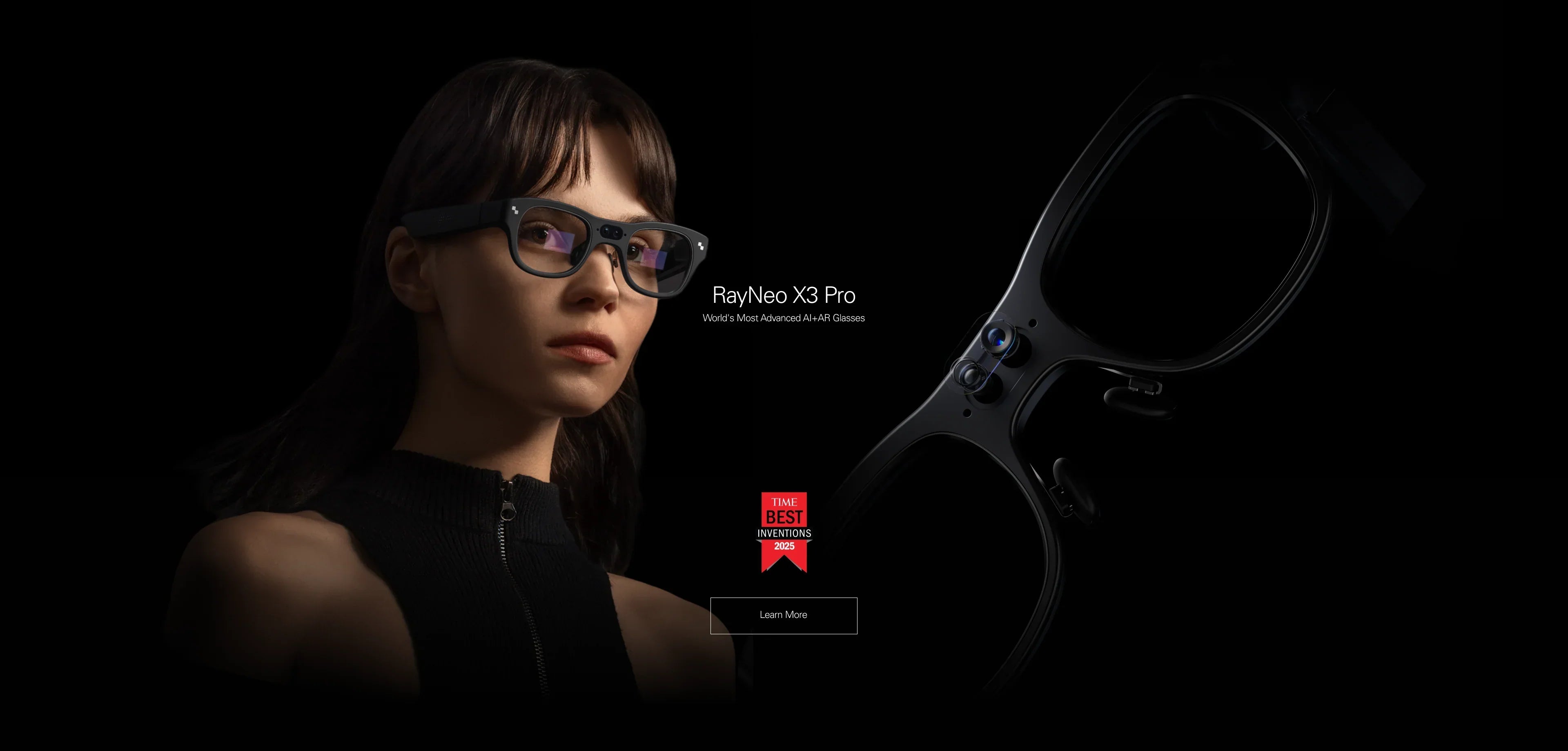
However, the gap is closing. For specific "High-Utility" hours of your day—commuting, working, cooking—smart glasses like the RayNeo X3 Pro are superior to regular glasses. The strategy is not substitution, but integration.
In this guide, we will analyze the physical and technological hurdles preventing total replacement, and help you build a "Vision Portfolio" that combines the best of analog and digital eyewear.
Fit Check: Are You Ready to Switch?
Before you throw away your old frames, let's diagnose your tolerance for the trade-offs involved in wearing a computer on your face.
Profile A: The "Cyberpunk" Early Adopter
Your Mindset: You are okay with looking a bit "techy." You don't mind charging your glasses at lunch. You value utility (notifications, navigation) over weight.
-
Replacement Potential: High. You might wear the RayNeo X3 Pro for 6-8 hours a day, swapping to regular glasses only for bed.
Profile B: The "Digital Commuter"
Your Mindset: You want smart features only when you are bored (on the train) or busy (walking to work). In the office or at dinner, you prefer looking normal.
-
Replacement Potential: Medium. You will carry two pairs. Your smart glasses (like RayNeo Air 2s) live in your bag, ready to turn your commute into a cinema.
Profile C: The "Invisible Tech" Seeker
Your Mindset: You refuse to wear anything heavier than 40g. You want audio and simple AI, but no glowing screens.
-
Replacement Potential: Very High (with Audio Glasses). Certain premium audio smart frames allow for actual lens replacement, making them the only true 1:1 substitute for standard frames today, albeit without visual AR features.
The "All-Day" Friction Points: Why We Aren't There Yet

To replace your prescription glasses, a device must be comfortable, reliable, and socially invisible. Here is where current tech stands.
1. The Weight Equation (Physics)
-
Regular Glasses: ~20g - 30g. You forget you are wearing them.
-
Audio Glasses: ~45g - 50g. Comfortable for all day, but slightly noticeable.
-
Standalone AR (X3 Pro): ~76g. This is a feat of engineering, but it is still 2.5x the weight of regular glasses. After 4 hours, you will likely feel some pressure on your nose bridge, unlike your featherlight prescription frames.
-
Verdict: Until AR glasses hit sub-50g, they are "session devices," not "lifestyle devices."
2. The Battery Anxiety
Your prescription glasses never run out of battery.
-
Smart Glasses: Even the best Standalone AR glasses (X3 Pro) last about 3-4 hours of continuous display use. When the battery dies, they become heavy, passive lenses.
-
The Fix: You need a charging case or a cable. This adds friction that analog glasses don't have.
3. The "Social Eye Contact" Problem
-
Tinted Lenses (Air Series): Great for movies, bad for dinner dates. People can't see your eyes.
-
Transparent Waveguides (X3 Pro): Better, but the lenses often have a slight glint or rainbow refraction. It still signals "I am interacting with tech," which can be rude in intimate conversations.
The Solution: A Hybrid "Vision Portfolio"
Instead of looking for one magical pair, think of your eyewear like your shoes. You have running shoes and dress shoes. You need Analog Glasses and Smart Glasses.
Scenario 1: The Commute & Travel (Smart Glasses Territory)
This is where regular glasses fail. They sit there doing nothing while you are bored.
-
The Upgrade: Switch to RayNeo Air 2s.
-
The Benefit: You get vision correction (via built-in diopters 0 to -6D) plus a 201-inch screen. You are entertained and corrected simultaneously.
-
Action: Check if your prescription fits the Air 2s diopter range.
Scenario 2: The Work Session (Augmented Territory)
Your regular glasses can't translate a document or show you a Slack message.
-
The Upgrade: Switch to RayNeo X3 Pro.
-
The Benefit: With magnetic prescription inserts, you get perfect visual clarity plus AI superpowers. You can translate documents instantly or see notifications without breaking focus. The magnetic inserts snap on in a second, providing a secure and precise fit.
-
Action: Learn about the X3 Pro's productivity features.
Scenario 3: The Evening / Social (Analog Territory)
You are at a bar or winding down for sleep.
-
The Downgrade: Switch back to your lightweight, analog frames.
-
The Benefit: Zero eye strain, zero weight, 100% social connection.
Technical Deep Dive: Prescription Implementation
If you are going to use smart glasses as a partial replacement, how do you see through them?
Method A: Built-in Diopters (The "Shareable" Replacement)
Found in: RayNeo Air 2s.
-
Pros: You don't need to buy lenses. You just turn a knob independently for each eye. It's smooth, precise, and great if your prescription changes slightly over time.
-
Cons: It doesn't correct astigmatism. If you have a high cylinder (CYL) value, the image will still be blurry.
Method B: Magnetic Inserts (The "Precision" Replacement)
Found in: RayNeo X3 Pro (and upcoming Air 4 Pro).
-
Pros: This is the optical gold standard. You get a custom lab-made lens that corrects specifically for your eyes (including prisms and astigmatism).
-
Cons: You have to carry the inserts with the glasses. It's an accessory.
Method C: Lens Swap (The "Permanent" Replacement)
Found in: Audio-only frames.
-
Pros: You pop out the plastic lenses and put in real prescription glass. It becomes your primary pair.
-
Cons: Not possible with AR/Video glasses because the lens is the screen (or the reflector). You cannot swap out a waveguide lens.
Market Comparison: Replacement Viability Score
How close is each device to replacing your daily driver?
Analysis:
-
The Air 2s is not a replacement; it is a "TV Replacement."
-
The X3 Pro is a "Tool Replacement." It replaces your phone for navigation and quick info.
-
Neither replaces the comfort of a 20g acetate frame... yet.
The Future: What About the RayNeo Air 4 Pro?
If you are hoping the next generation will solve this, keep an eye on the RayNeo Air 4 Pro (launching Jan 2026).
-
The Shift: While still primarily a media device, the focus on B&O Audio and HDR10 combined with an improved magnetic insert system means it will offer a "Super-Vision" experience that regular glasses cannot match for entertainment.
-
The Use Case: It won't replace your glasses for walking the dog, but it will absolutely replace them for any activity involving a screen.
-
Action: Sign up for launch updates.
Act: Building Your Vision Strategy

Don't look for a 1:1 replacement. Look for a Force Multiplier.
Step 1: Get Your Prescription Go to your optometrist. Get your full numbers, including PD (Pupillary Distance). You cannot order smart glasses inserts without this crucial measurement.
Step 2: Define Your "Smart Hours"
-
If you want smart features for 2-3 hours a day (gaming/commute): Buy the RayNeo Air 2s. Use the built-in diopters to save money on lenses.
-
If you want smart features for 4-6 hours a day (work/travel): Buy the RayNeo X3 Pro. Order the custom magnetic inserts for maximum clarity.
Step 3: Keep the Backup Never throw away your analog glasses. They are your battery-free backup plan.
-
Explore Options: Check the RayNeo product ecosystem to see which form factor fits your face.
-
Compatibility: Ensure your phone supports the glasses you choose by checking the compatibility list.
FAQ
Q: Can I drive with smart glasses? A: Legally and safely, no for Display Glasses (Air series) as they block vision. For AR Glasses (X3 Pro), it is a grey area. While HUD navigation is useful, distracted driving laws may apply. We recommend sticking to audio-only or regular glasses for driving until laws catch up.
Q: Do magnetic inserts affect eye tracking? A: Most consumer smart glasses (like RayNeo) do not use internal eye-tracking cameras yet (they use head tracking). So, inserts do not block any sensors.
Q: Is it bad to switch between smart glasses and regular glasses frequently? A: It can take your brain a few minutes to adjust to the different focal planes (VAC - Vergence Accommodation Conflict), especially if switching from a virtual 4-meter screen to reading a book at 30cm. This is normal.
Share:
I’m Confused—Can You Help Me Pick Smart/AR Glasses? (The 2026 Decision Framework)
Are There Smart Reading Glasses with Bluetooth? The 2026 Guide for Readers