
Download
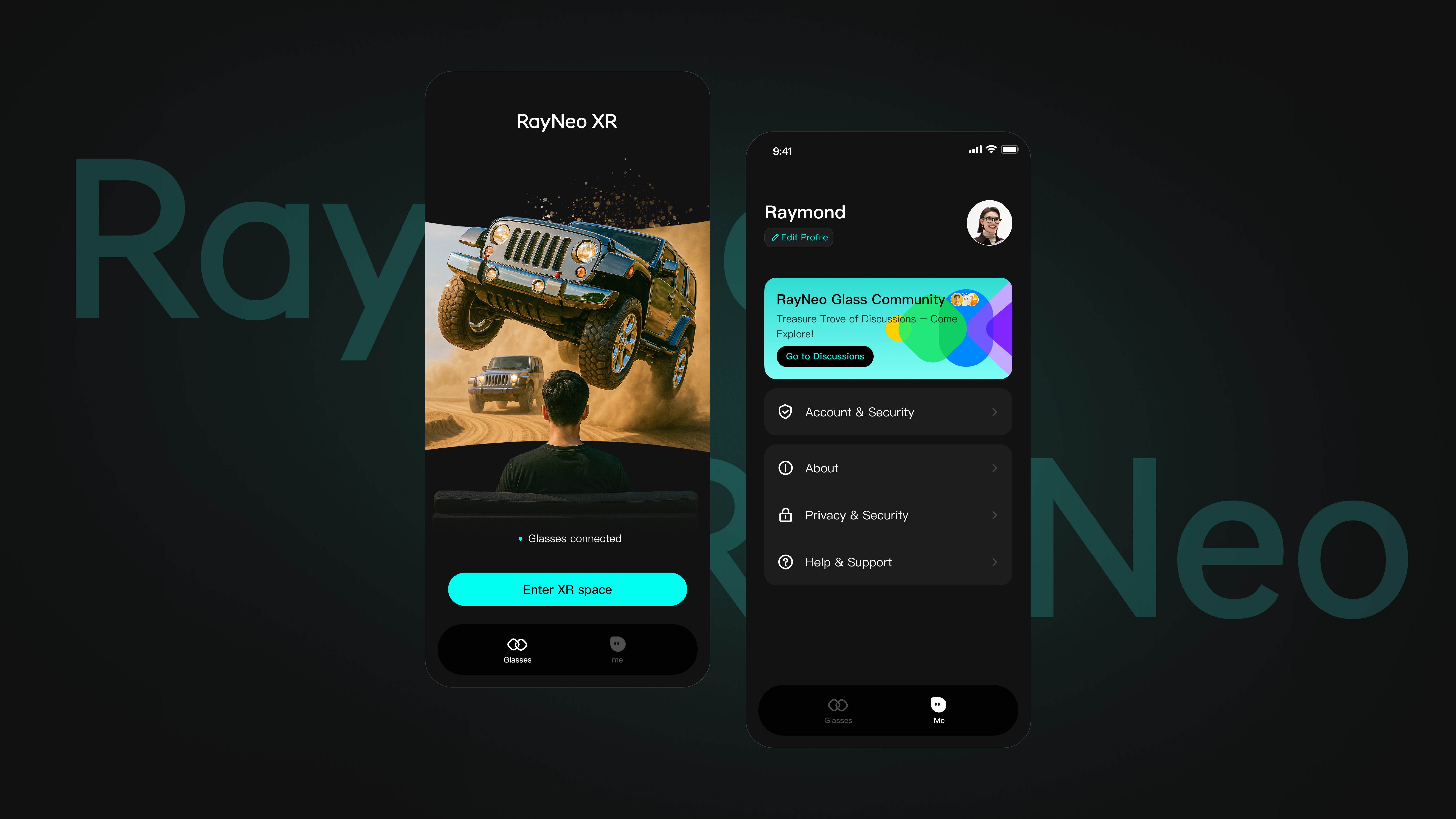
RayNeo XR APP
For RayNeo Air Series Glasses. Requires Android version 8.0 or above with 3D and DisplayPort (DP) functions.
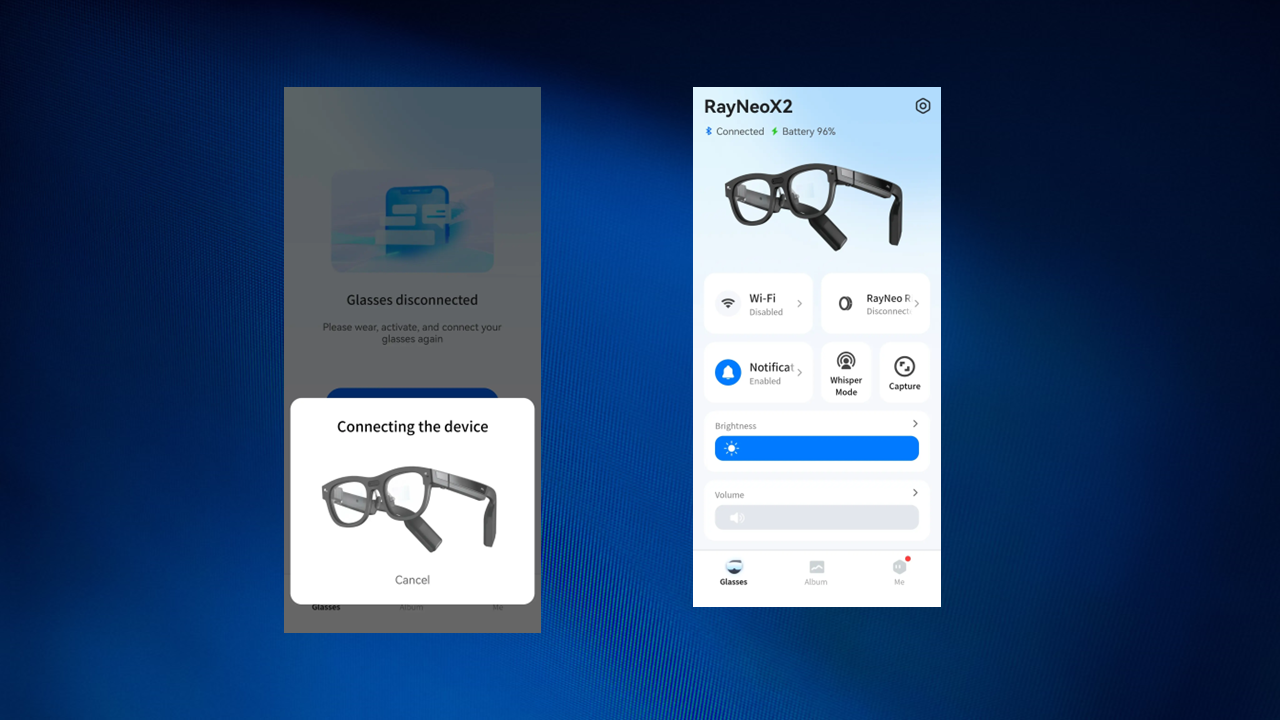
RayNeo AR APP
For RayNeo X Series. Requires Bluetooth 5.2, wifi 5.0. Versions above Android 9, IOS 10 will be more stable!
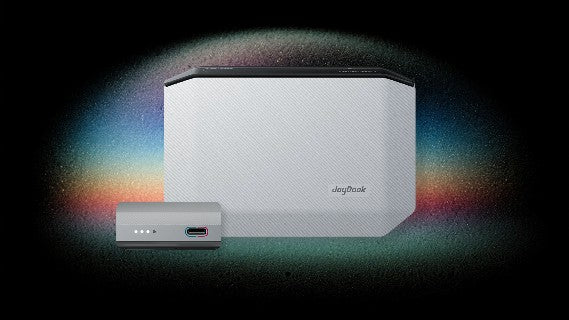
JoyDock Firmware Upgrade
On your computer, you can update the firmware of your RayNeo JoyDock through Chrome browsers.
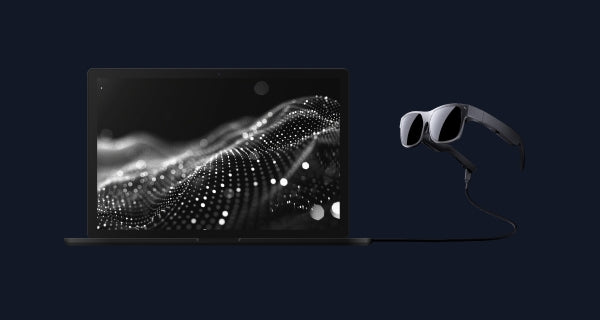
RayNeo Air Firmware Upgrade
On your computer, you can update or repair the firmware of your RayNeo Air glasses through Chrome or Opera browsers.